Unity
This guide provides instructions for setting up the Game Data Store feature in the Hive SDK Unity.
Hive Console setup
To use Hive SDK Game Data Store, you need to configure it on the Hive Console by following the Hive Game Data Store Getting Started guide.
Adding libraries
-
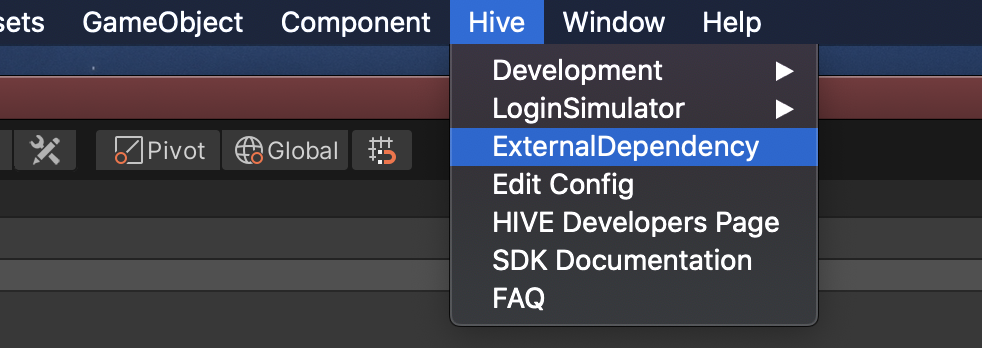
Click the Hive > ExternalDependency menu.
 2. When the configuration window appears, select the features you want to use.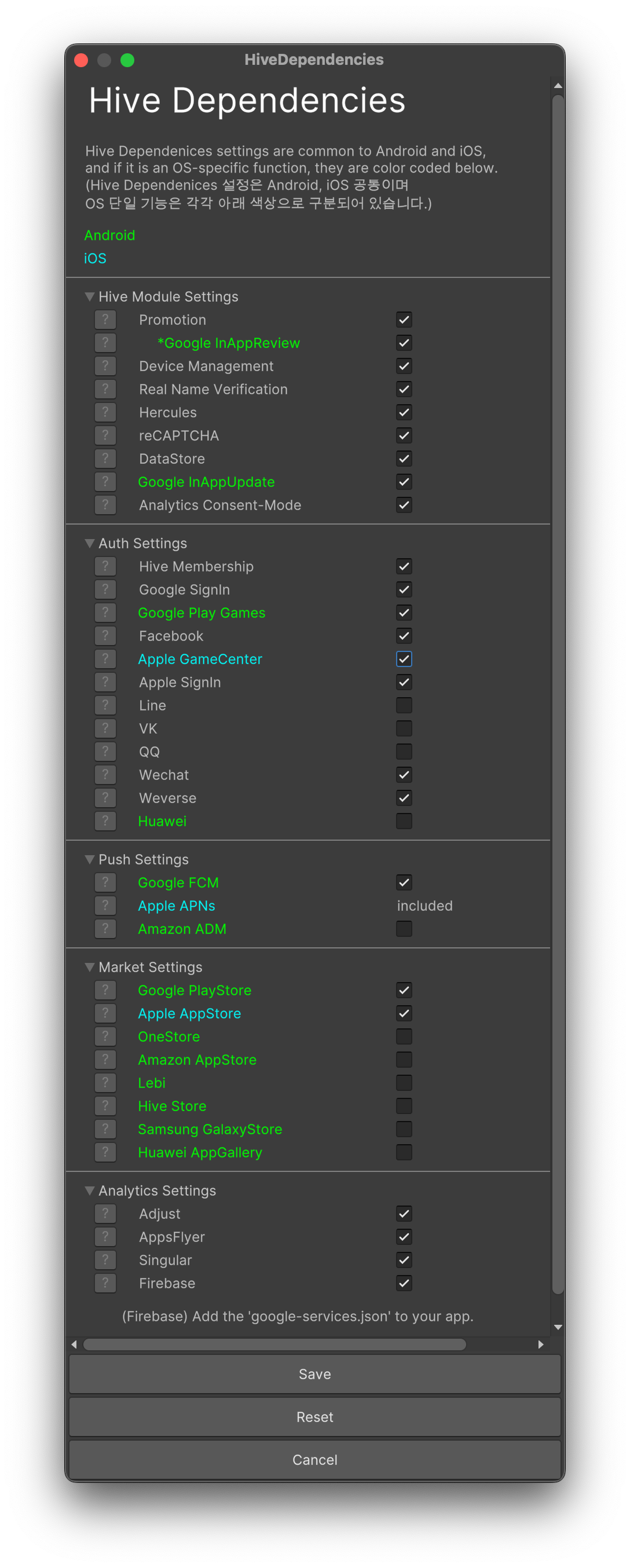
-
Select DataStore in Hive Module Settings.