Unreal
本指南介绍如何在 Unreal Engine 中配置 Hive SDK 的 Billing 功能。
Hive Console 配置
要使用 Billing,必须先在 Hive Console 完成 Billing 提供商配置,包括注册密钥值和接入市场。
Note
如需支持 Google Play,请参阅 Google 市场账号注册。
添加市场
- 在 Unreal Editor 菜单中点击 Edit > Project Settings。
-
在 Project Settings 左侧面板点击 Hive SDK > Dependency – Android / Dependency – iOS。
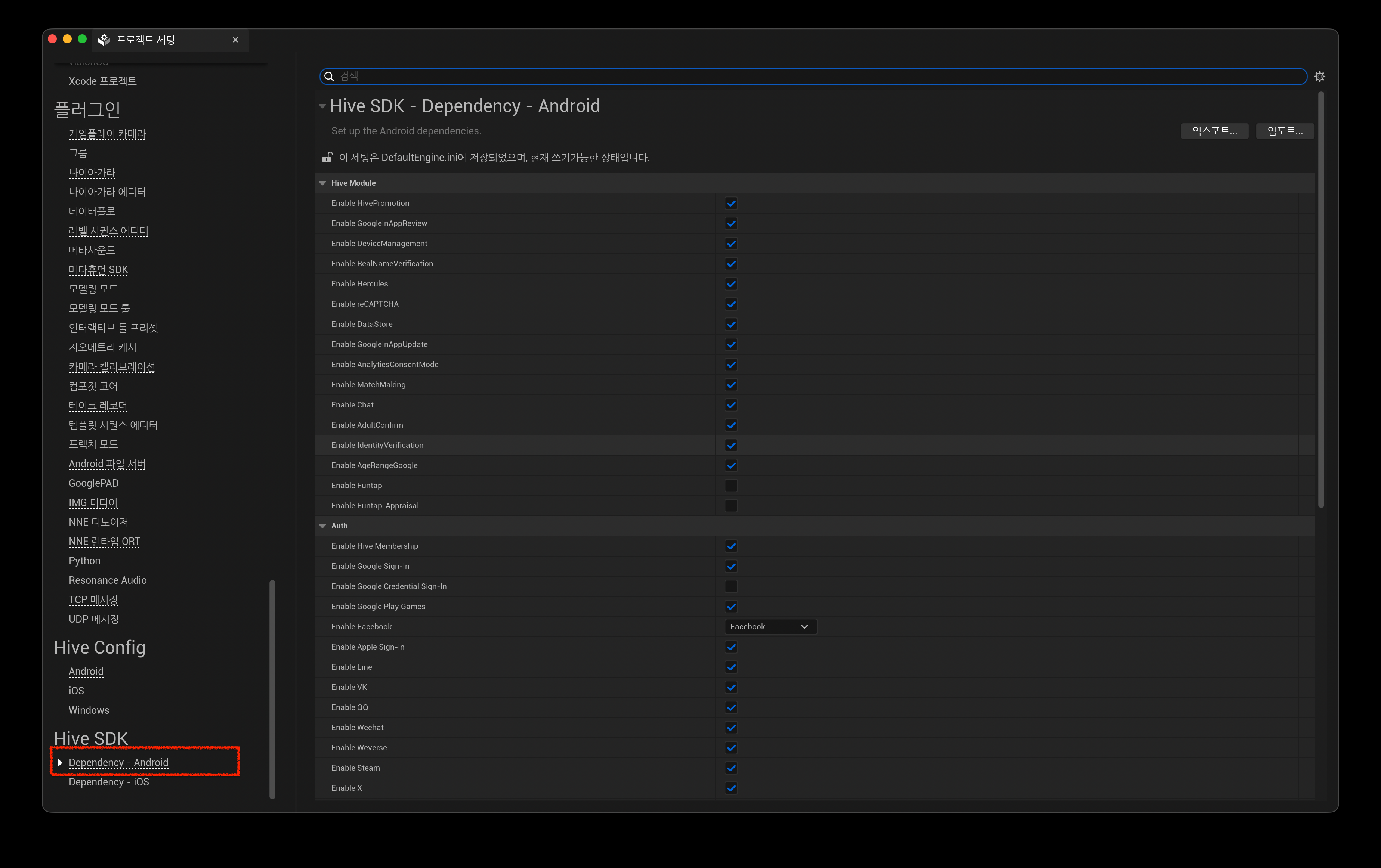
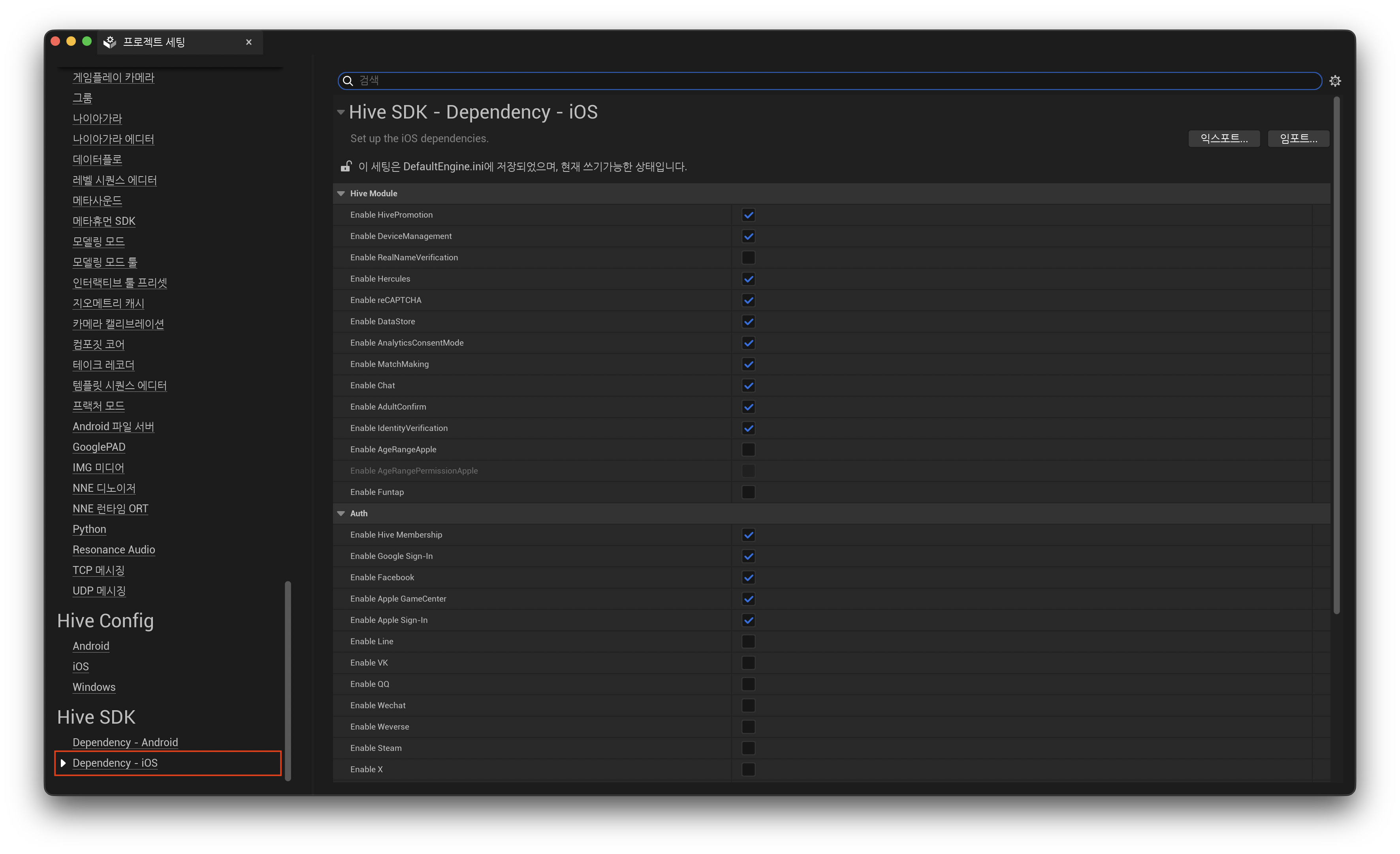
-
在 Market 中选择要使用的 Billing 功能。
禁用 Unreal Engine 内置的 Google Play Billing
使用 Google Play Billing 时,Hive SDK 使用的最新版 Google Play Billing Library 与 Unreal Engine 内置 Google Play Billing 功能之间可能出现兼容性问题,导致构建失败。请按以下方式修改代码。
- 打开
/Engine/Plugins/Online/Android/OnlineSubsystemGooglePlay/Source/OnlineSubsystemGooglePlay.Build.cs。 - 注释掉以下代码: