Account and authentication
'Account and authentication' provides the features needed to maintain and manage an account after the user logs in.
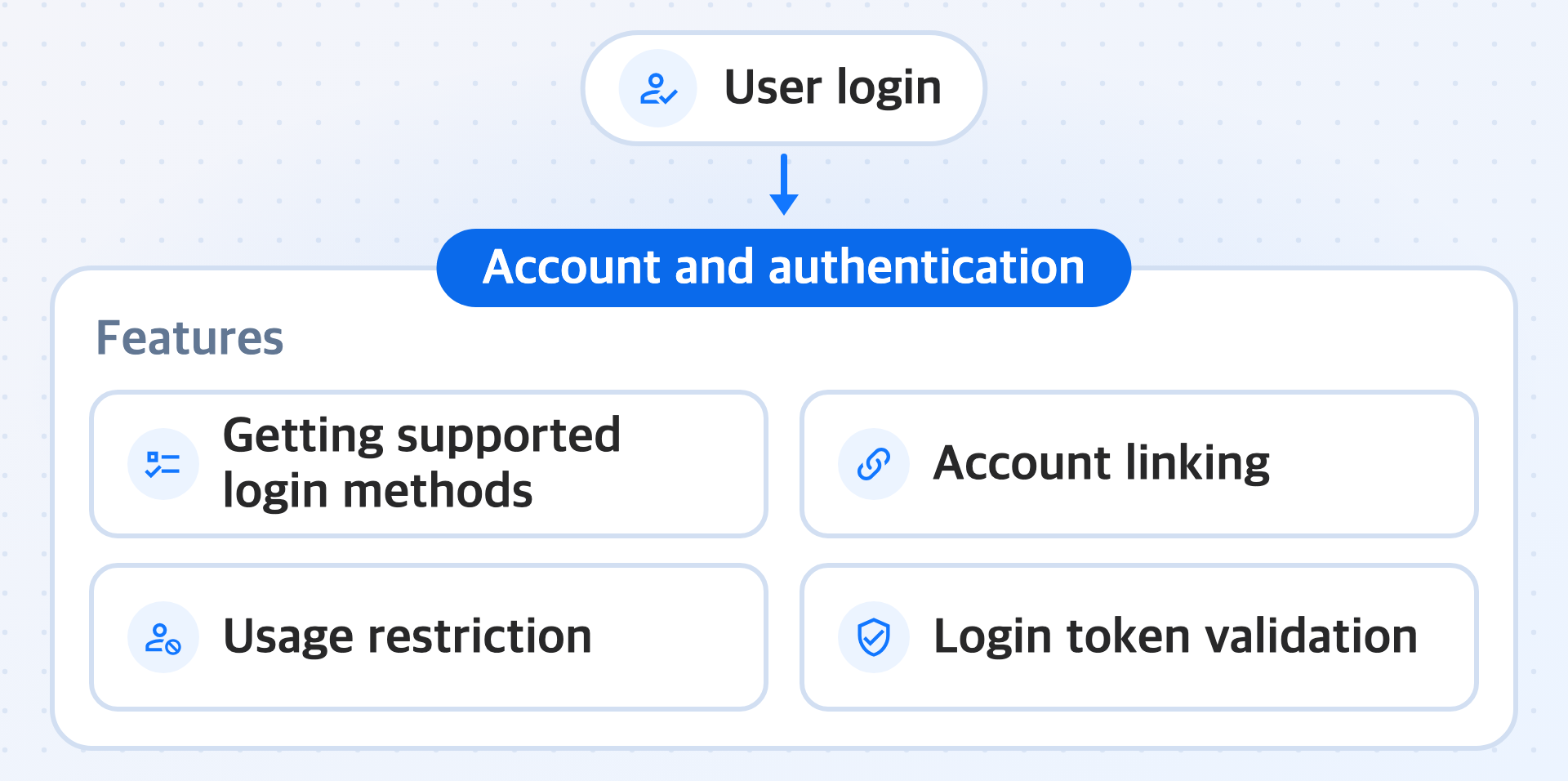
Features
-
Get supported login methods
Retrieves from the Hive Axyl authentication server which login buttons to show on the login screen. The list contains only the login methods that are available in the service environment bound to the App ID and that are turned on in the Hive Console. Some login methods may be excluded depending on the country determined from the request IP, and the app cannot specify this country.
-
Account linking
Links another login method to the currently logged-in Player ID, or unlinks it. If a user who started as a guest links a Google account, the user comes back to the same play data even after changing devices. Account linking is not a feature that merges two different accounts into one, and you use it only while the user is logged in.
-
Usage restriction
Blocks entry to the app for users who violated the operating policy. Even if a user logs in successfully, if the user is sanctioned, you must inform the user of the sanction reason and period and block entry to the app. Sanctioned users and sanction types are registered and released only in the Hive Console, and the app only retrieves whether a user is sanctioned.
-
Validate login tokens
The app server checks whether the access token it received from the app client is valid. Use it before the app server creates its own session or performs processing that must not allow forgery or tampering, such as granting items.
Learn more
- Automatic login: Restoring the session with saved credentials when the app relaunches
- Switch between accounts: Switching sessions between multiple accounts kept on one device
- Handle account linking conflicts: Handling the case where you link an account that another Player ID already uses
- Change the password: Changing the login password of a username account
- Apply additional security: Pre-authorizing guest account and username account creation requests with a grant key
Next steps
To implement each 'Account and authentication' feature, first complete Install and initialize the module.
If your app server calls the Hive Axyl Server API directly, first prepare an authentication token with Issue a token.