Analytics
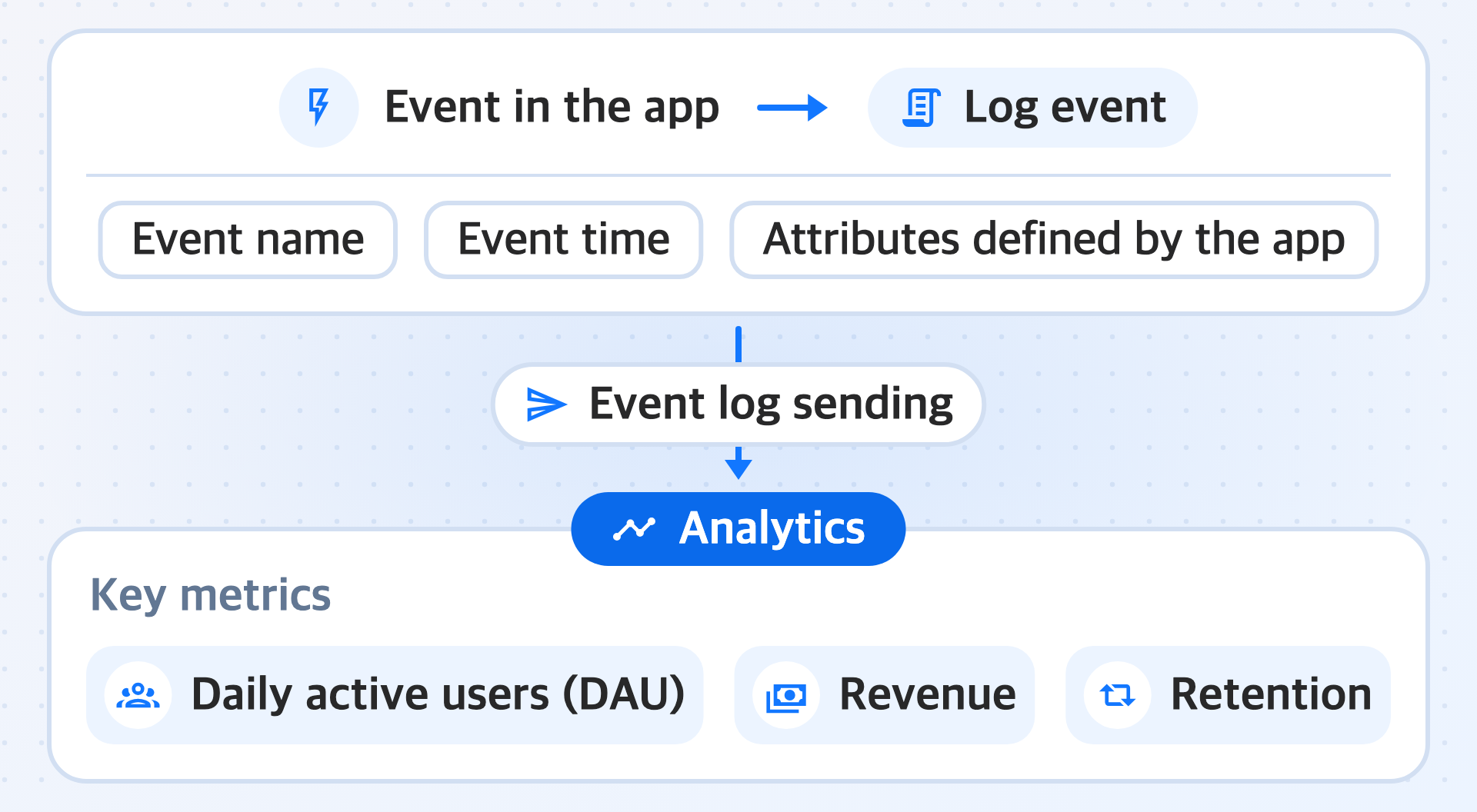
'Analytics' is a big data analysis service that collects and analyzes event-based data from your app without storage limits to track key metrics. You can easily build custom dashboards, such as charts, funnels, and retention, without writing SQL or separate code. It provides a comprehensive analysis environment in which you can not only analyze groups through user segments by condition but also track the detailed activity history of individual users.
The app decides the names and the number of pieces of information to include in an event. Even if you do not define the event format in advance, events sent in the form the app defines are used as is for analysis.
Prerequisites
Before you use 'Analytics', first complete the steps in Build with Code.
Admin and organization settings
First set up the administrators and organizations that will manage 'Analytics'.
- Admin settings: Designate the administrators in charge of overall 'Analytics' settings, such as organization, workspace, and user management.
- Organization management: Control project permissions by organization and set member access permissions.
Features
The Hive Axyl SDK provides the Send event logs feature, which sends the events needed for analysis from the app to 'Analytics'.
Send event logs
This feature turns events that occur in the app into log events that contain the event name, the event time, and attributes defined by the app, and sends them to 'Analytics'. You can send multiple log events together in a single request, both before and after login.