Project settings
'Project settings' is the feature for configuring and managing the project, App ID, and security key, which are the basic management information you need to use Hive Axyl. Every Hive Axyl feature works based on these three. So whichever feature you use, complete the project settings first.
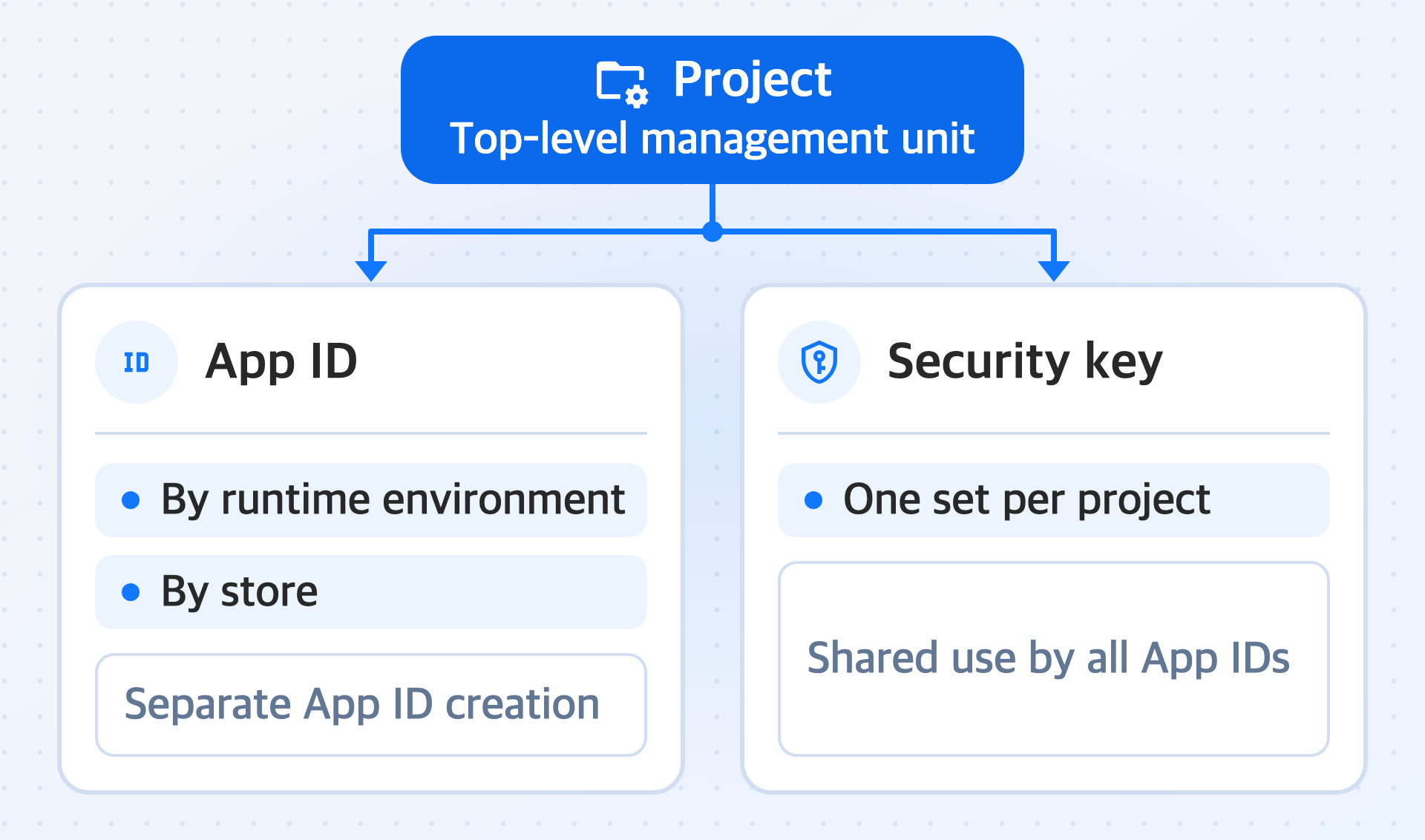
Key features
Configure them in this order: project, App ID, and security key.
-
Project
A project is the top-level management unit, separated by app or by operating purpose. App IDs and the security key both belong to a project, so you can start the remaining settings only after you create a project.
-
App ID
An App ID is a unique identifier that connects and identifies the Hive Axyl service and your app client. Even for the same app, you create separate App IDs if the runtime environment where the app runs or the store where you distribute the app differs.
-
Security key
A security key is a credential that verifies whether a request sent by the app came from a legitimate client. Unlike App IDs, only one set is issued per project, and all App IDs in the project share it.