Unity
This guide explains the tasks to perform after installing Hive SDK.
Initializing the Hive SDK Unity plugin
To use the Hive SDK Unity plugin, create a GameObject and add the following code. This code must be called before initializing Hive SDK.
Scripting define symbols
The Hive SDK Unity plugin automatically adds preprocessor symbols (Custom Scripting Symbols) to check whether component packages are installed for each platform, such as Android and iOS.
You can check the added symbols in Project Settings > Player > Other Settings > Scripting Define Symbols. Be careful not to remove these symbols manually.
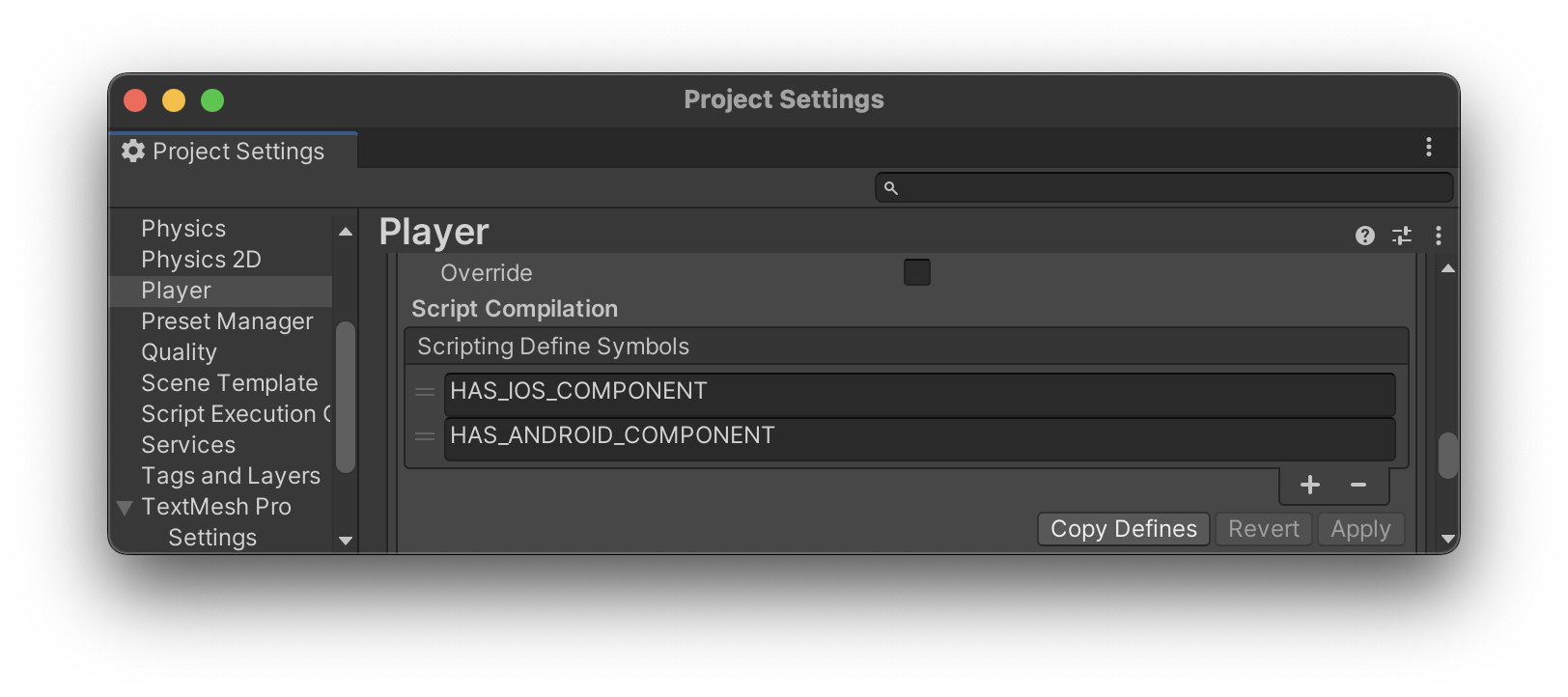
Adding symbols
If your app needs to add other symbols, add the new values without overwriting the existing values.