animate GO Integration Guide
animate Games Online supports authentication and payment for store releases in Android environments.
To integrate animate Games Online into your app, you must sign a contract in advance. After completing the contract, implement the integration by referring to the guide below.
Prerequisites
1. Issue Credentials and Check Key Values
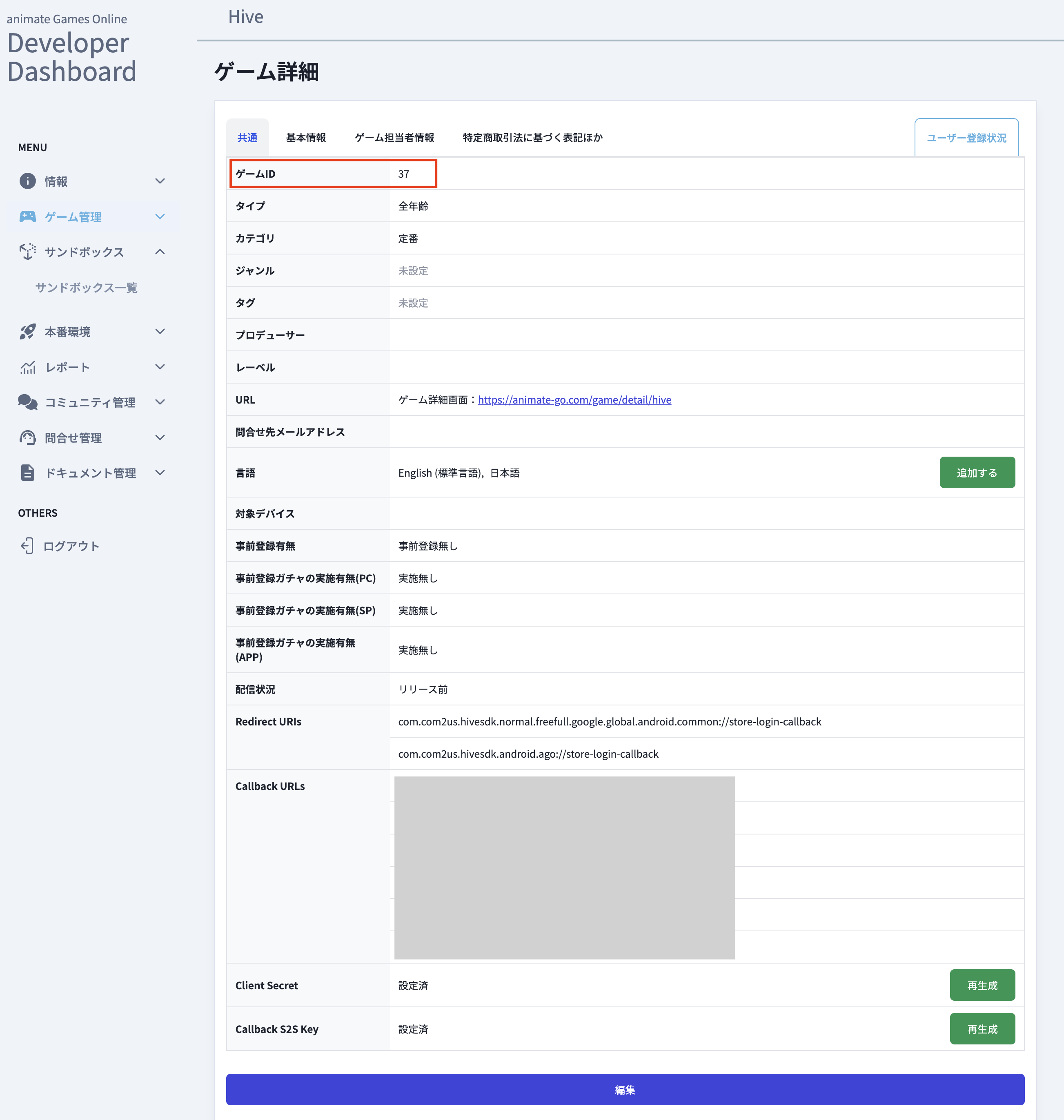
Check the Game ID, Client Secret, and clientId on the animate GO developer site. 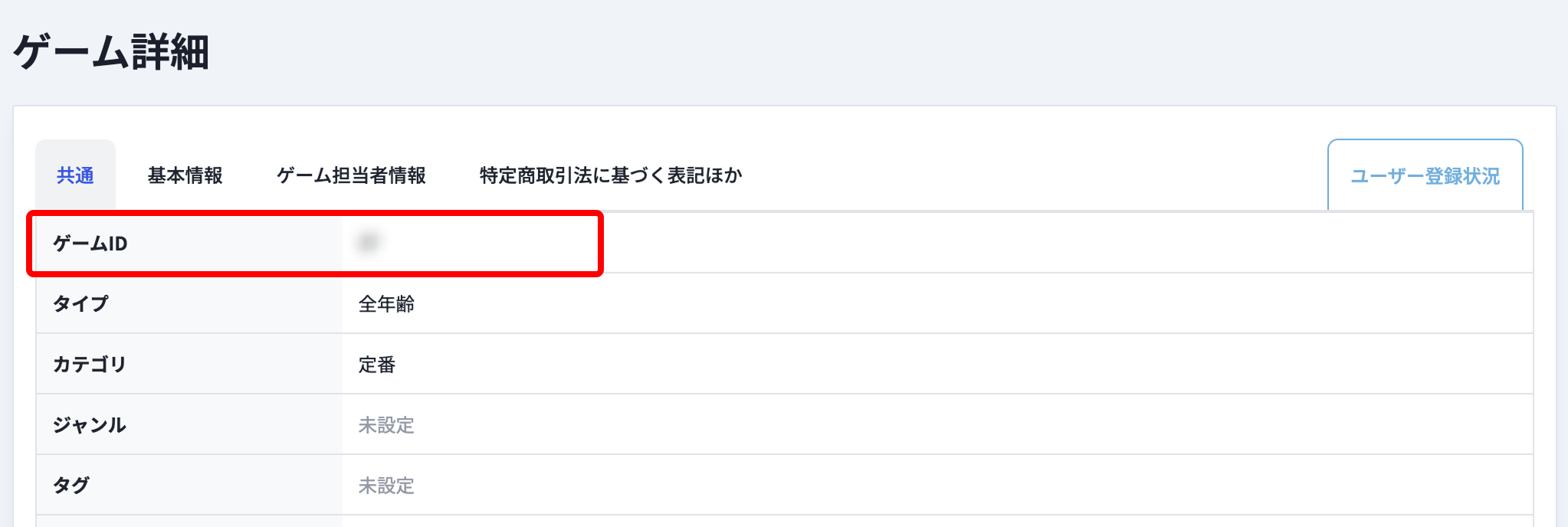
2. Prepare an App ID
- In App Center > App ID Management > [New App ID], select OS: Android and Store: animate Games Online to create an App ID.
- App ID example: com.[company name].[project name].android.ago
3. Issue a Security Key
To strengthen service-to-service authentication security, you must issue a security key in Hive Console > App Center > Security Key Settings.
4. Configure Keys in hive_config.xml
Note
animate Games Online login supports only the Android platform.
To use animate Games Online login, you must issue the required key values from the animate Games Online developer dashboard.
Refer to the example below and enter the values in the providers tag of the hive_config.xml file.
clientId (Android)
Set the unique client identifier (clientId) for animate Games Online login issued from the animate Games Online developer dashboard.
5. Add the AAR Library
Configure the dependency for the libs folder in the module-level build.gradle file.
Add the external library (.aar) included in the SDK distribution version to the module-level libs folder. The following file is required to support animate Games Online IdP login and billing.
- sdk-XXXXXXXXXXXXXXXXXXXXXXX.aar
- Example: sdk-bf62685719935e68ec4100c0d51aa469.aar
6. Configure Login
In Hive Console > Authentication > Login Settings, select the App ID on which to expose the animate GO IdP, then enter the Game ID and Client Secret to configure login.
Implement animate GO Login
animate Games Online login works with the OAuth 2.0 Authorization Code + PKCE method. To make the login callback work properly, register the app's Redirect URIs in the animate Games Online developer dashboard.
The Redirect URIs format is <packageName>://store-login-callback. Replace <packageName> with your app's package name.
- Example: com.com2us.hivesdk.android.ago://store-login-callback
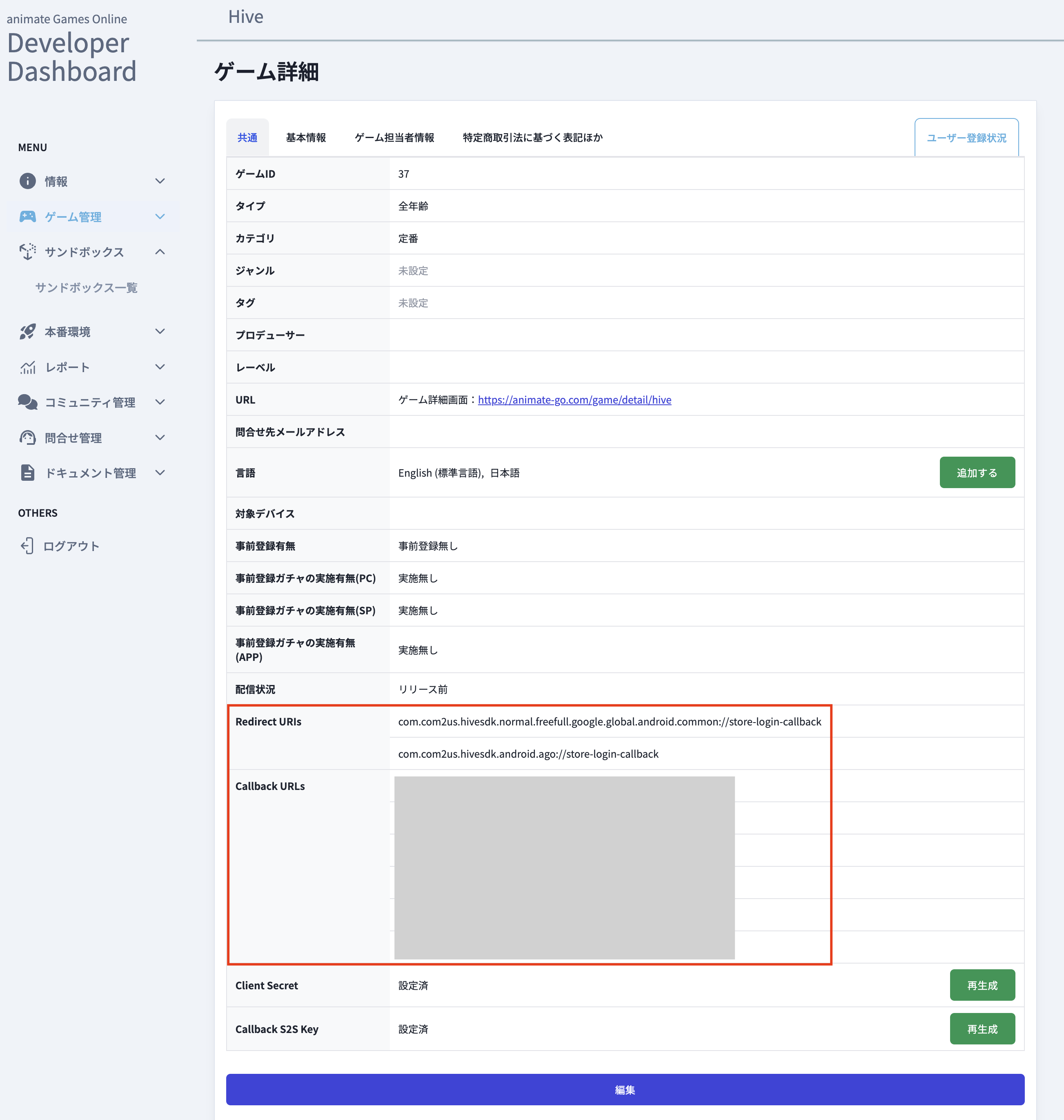
Then implement it for Android mobile by referring to Login/Logout.
Implement animate GO Payment
To receive payment results from the animate Games Online store, register Callback URLs in the animate Games Online developer dashboard.
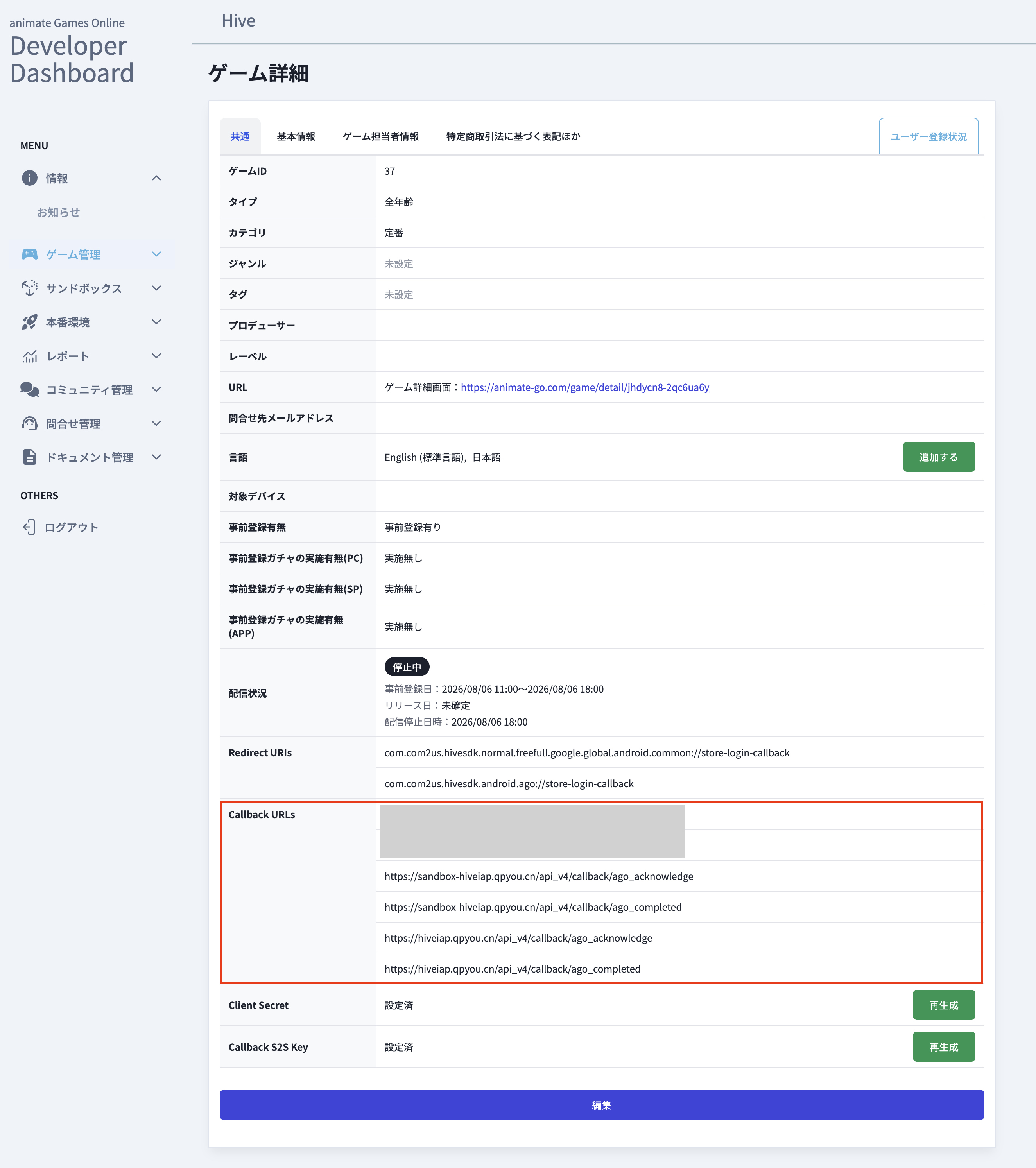
Register the following four URLs as Callback URLs.