View Invite Log
You can view detailed activity records of users who participated in the invite code campaign. You can track the entire flow from invite code entry, installation, goal achievement, to reward distribution through logs.
Enter the Player ID of the user you want to search for. 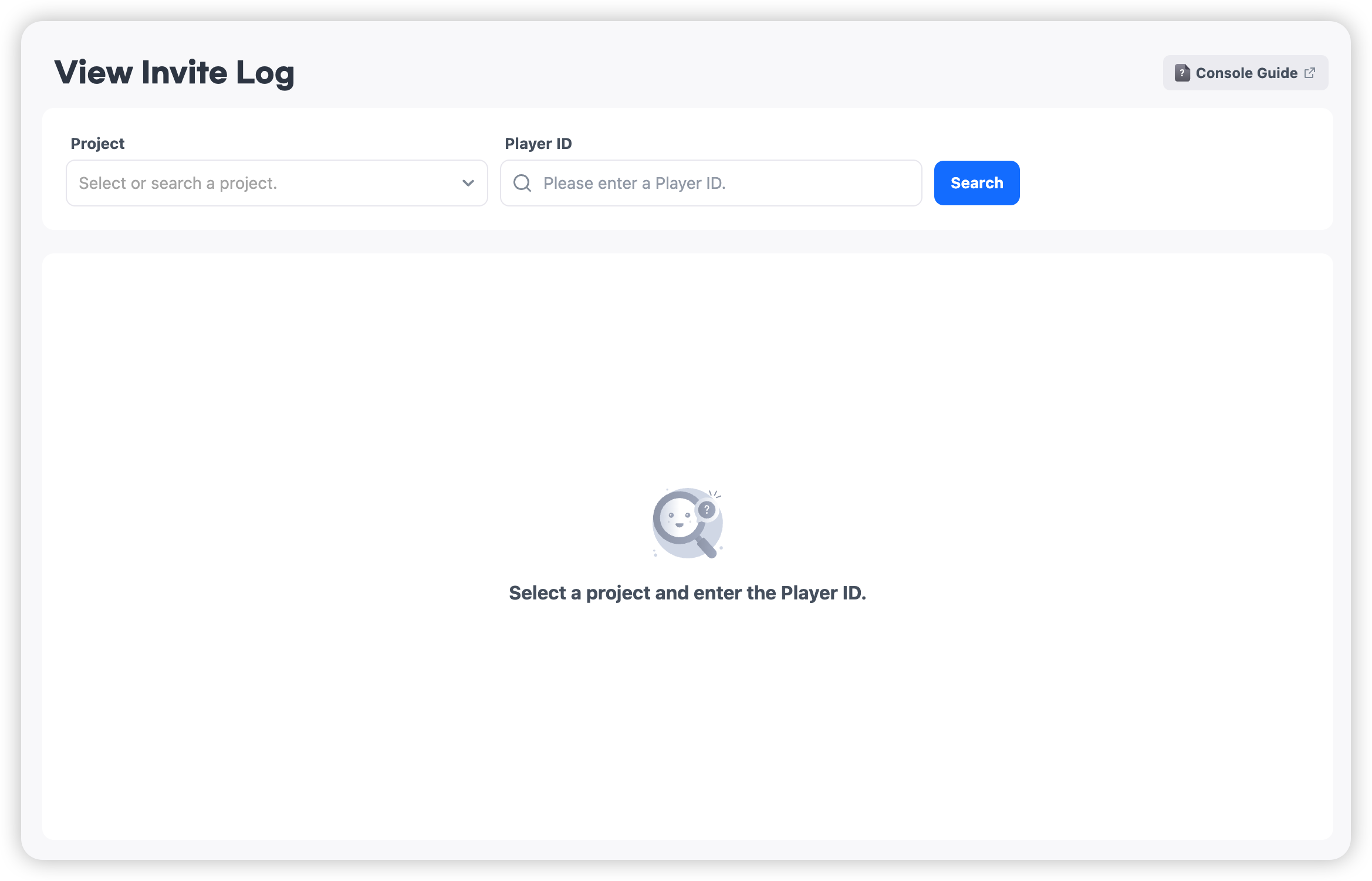
Log Categories
-
Matching Log
- Records of connections between the inviter and invited user through invite code entry.
- You can view both cases where the entered Player ID is the inviter and where it is the invited user.
- Logs are generated only when matching is successfully completed.

-
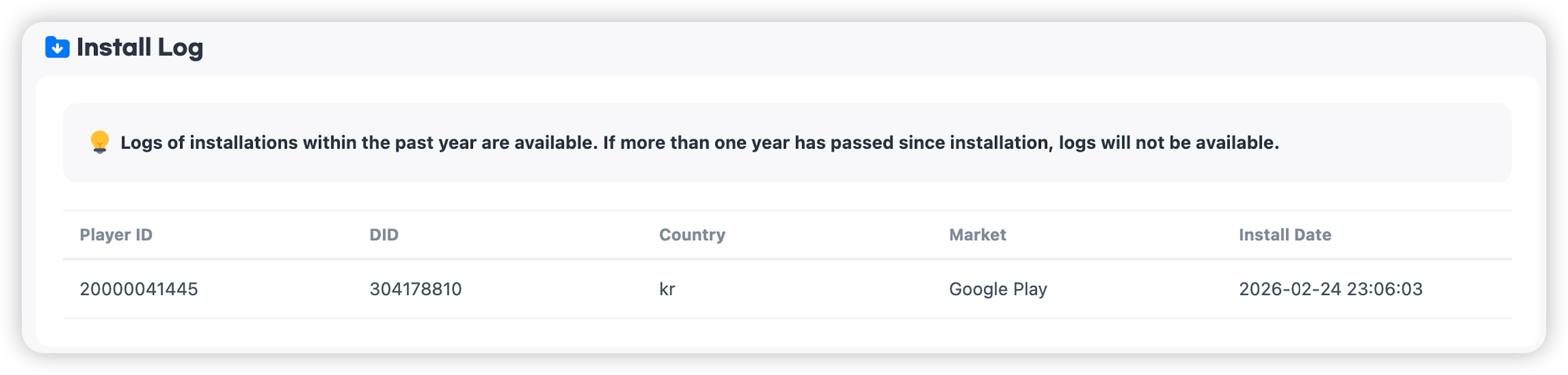
Install Log
- You can check the app installation records of the entered Player ID.
- Only installation logs within the past year are available.
-
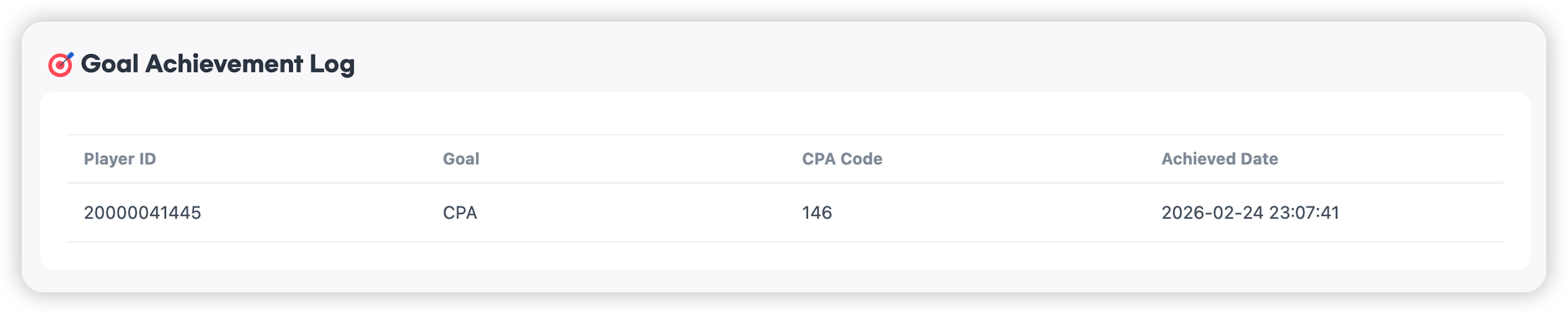
Goal Achievement Log
- Records of the entered Player ID achieving the goal (CPA) set in the campaign.
- You can check which goal was achieved, the CPA code, and the achievement time.
-
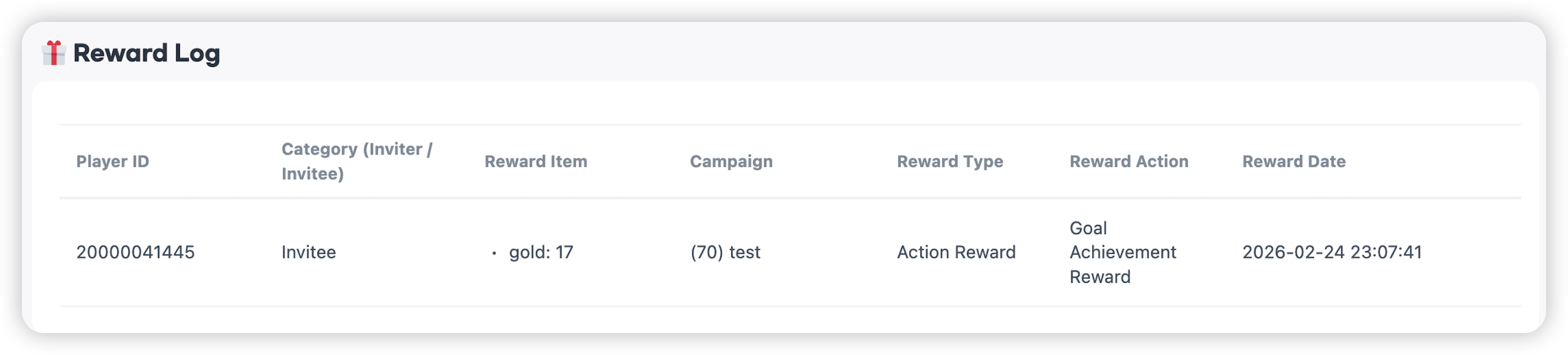
Reward Log
- Records of rewards granted when campaign conditions are met.