Mailbox
'Mailbox' is the feature for delivering messages and items to app users. You use it when operators need to deliver something directly to users, such as granting rewards or sending notices and apology mail.
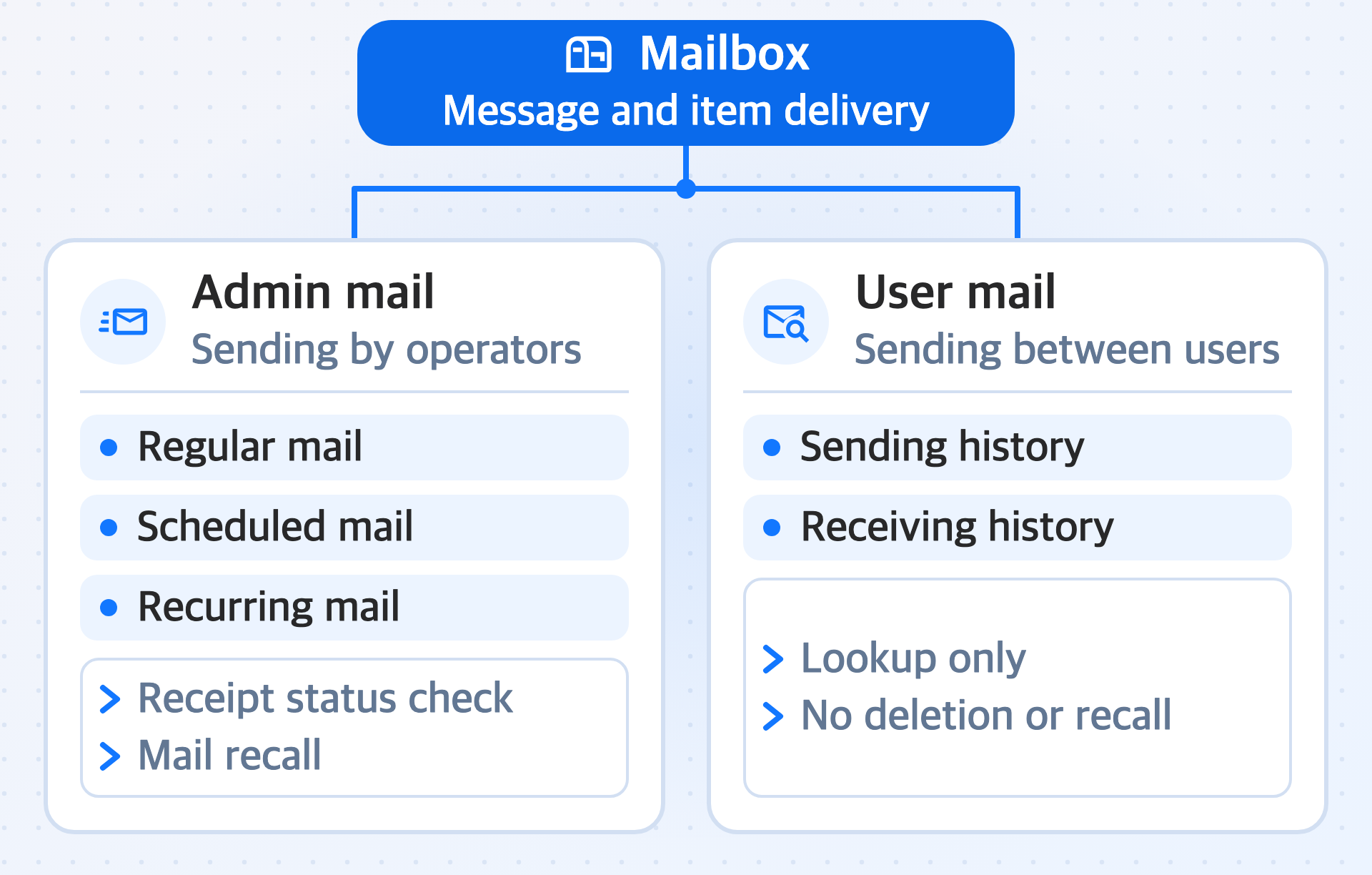
Mail is divided into two types by sender type. Admin mail is mail that operators create and send in the console, and user mail is mail that users send to other users in the app.
Prerequisites
Before you use this feature, complete the Project settings.
To attach items to admin mail, prepare an item list file in advance, and to send mail only to specific users, prepare the Player IDs of the target users in advance. For what to prepare, see Prepare to send mail.
Key features
-
Admin mail
The feature that lets operators create mail in the console and send it to users. Depending on when it is sent, it is divided into regular mail sent immediately, scheduled mail sent at a specified date and time, and recurring mail sent at regular intervals. You send only a message or a message with items, check the receipt status of sent mail, and recall mail from users' mailboxes if needed.
-
User mail
The feature for checking the sending and receiving history of mail exchanged between users. Because this mail is exchanged between users, the console only looks it up, and you cannot delete or recall it.