Push notifications
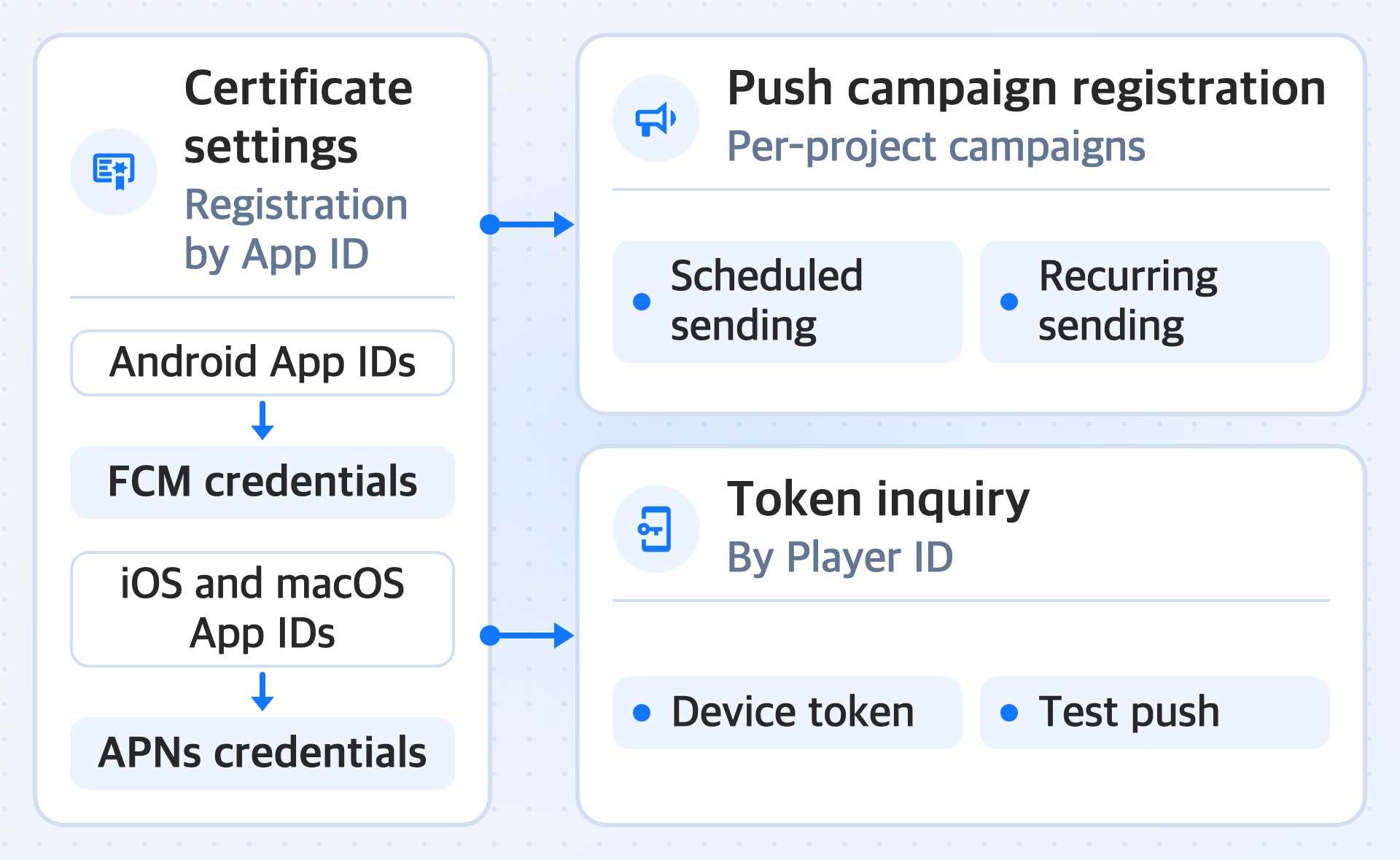
'Push notifications' is a feature that sends push messages to app users. Register the credentials required for sending for each App ID, and send messages on a schedule or repeatedly with push campaigns. Look up device tokens by a user's Player ID, and send test pushes to the tokens you look up.
Android App IDs use Firebase Cloud Messaging (FCM) credentials. iOS and macOS App IDs use Apple Push Notification service (APNs) token-based credentials.
Key features
Complete the certificate settings before you send pushes.
-
Certificate settings
Register the credentials required for sending pushes for each App ID. Manage FCM or APNs credentials depending on the OS of the App ID.
-
Push campaign registration
Register push campaigns for each project. Set the send time, repeat option, countries, App IDs, multilingual messages, and platform-specific options to configure scheduled and recurring sending.
You can also check the status of registered push campaigns, and edit, copy, or cancel a campaign depending on the conditions before and after sending.
-
Token inquiry
Look up the device token information stored on the push server by Player ID. Check the full string of a token you look up, and send a test push to that single token.