Payment
'Payment' is the feature for selling products in your app. The products and prices registered in the console are used as is for in-app payments, and actual payments are processed through Google Play, the App Store, Steam, or a payment gateway.
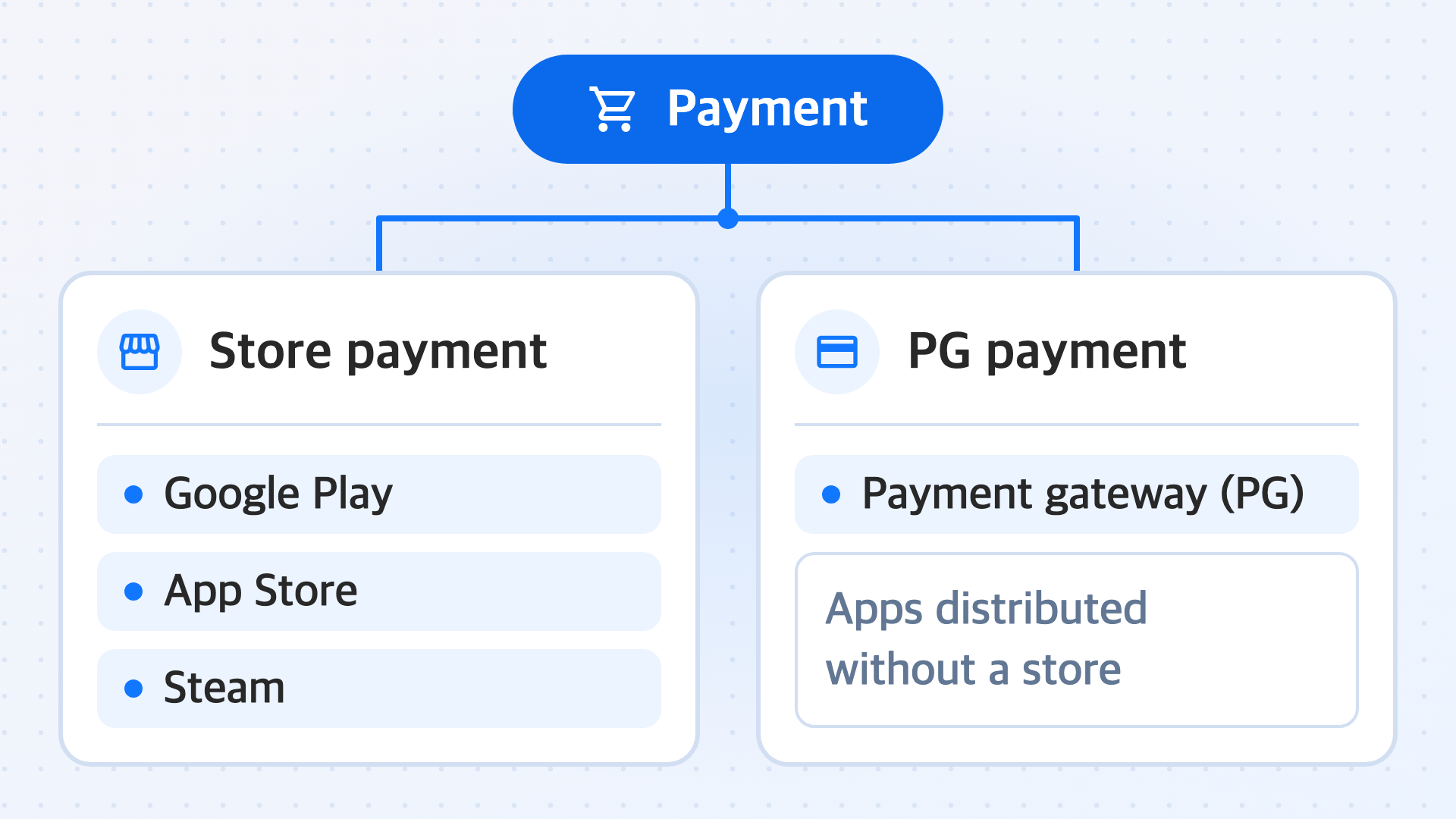
Payments are divided into store payments and PG payments. Store payments are processed through Google Play, the App Store, and Steam, and PG payments are processed through a payment gateway (PG) provider in apps distributed without going through a store. The settings to register and the values to prepare differ depending on the method you use.
Prerequisites
Before you use this feature, complete the Project settings.
The additional items to prepare for payment are credentials for payment verification. Get the following items in advance according to the payment method you will use.
- Store payment: Credentials issued by Google Play, the App Store, or Steam. For details, see Credentials to get from the stores.
- PG payment: Credentials issued by the PG provider and the URL to receive payment completion information. For details, see Credentials to get from the PG provider.
Key features
Configure the settings according to the payment method you will use.
-
Store settings
The feature for registering the credentials that Google Play, the App Store, and Steam use to verify payments. The required credential items differ by store.
-
PG settings
The feature for setting the payment gateways to use and, for each PG provider, the countries where payment is available and the payment methods. You also register the URL to receive payment completion information.
-
Price tier
The feature for grouping the prices by currency for products you sell through Steam and PG payments into tiers and managing them.
-
Product registration
The feature for registering the products to sell in your app by product ID and managing their payment platform, price, and sales status.
-
Subscription server notification URL
The feature for registering, for each server, the app server URL that receives change events when a subscription status changes.
-
Purchase history
The feature for looking up payment history by user. When you receive a payment inquiry, you check which product was paid for, in which market, and for how much.