Account and authentication
'Account and authentication' is the feature for checking user accounts and restricting or releasing app use according to your app's usage policy.
Prerequisites
Before you use this feature, complete the Project settings.
Key features
-
User lookup
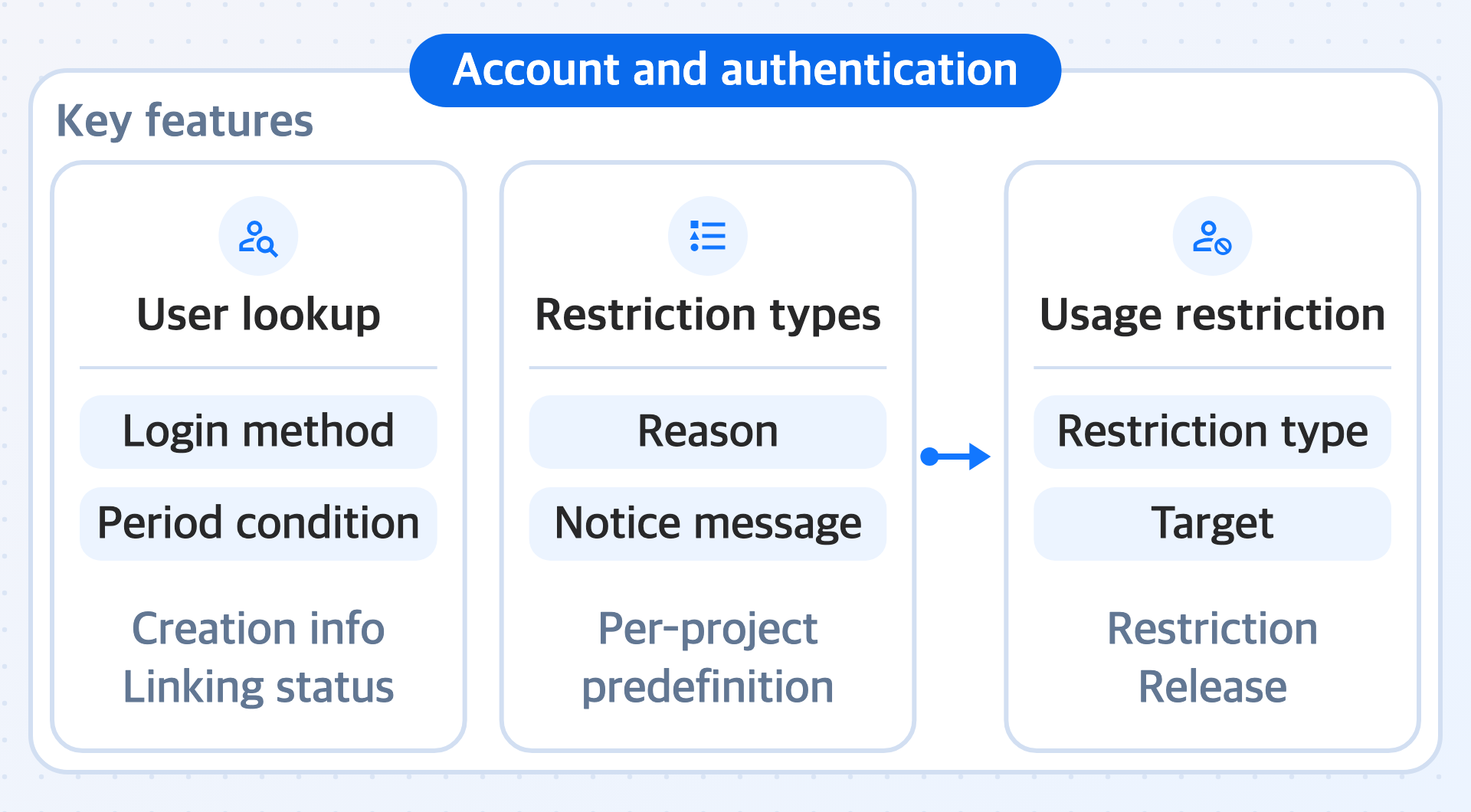
The feature for finding user accounts in a project by login method and period conditions and checking their account creation information and linking status.
-
Restriction types
The feature for predefining, for each project, the reasons for which app use is restricted. For each reason, you also save the notice message to show users.
-
Usage restriction
The feature for specifying restriction targets based on registered restriction types and restricting or releasing their app use.
Next steps
You register a usage restriction by choosing from the restriction types registered in advance. Create restriction types first, and then register usage restrictions.
- User lookup: Search user accounts and check the linking status of login methods
- Restriction types: Register types for each restriction reason and notice messages for each language
- Usage restriction: Specify restriction targets and periods, and release restrictions
- Usage restriction developer guide: Implement checking the restrictions registered in the console from the app and blocking entry