User mail
Look up the sending history of mail exchanged between users. Use this page when you need to check whether a specific user opened a mail item or claimed its items, for example, when a user reports that they sent an item but the other user did not receive it.
➡️ Console path: Mailbox > User Mail
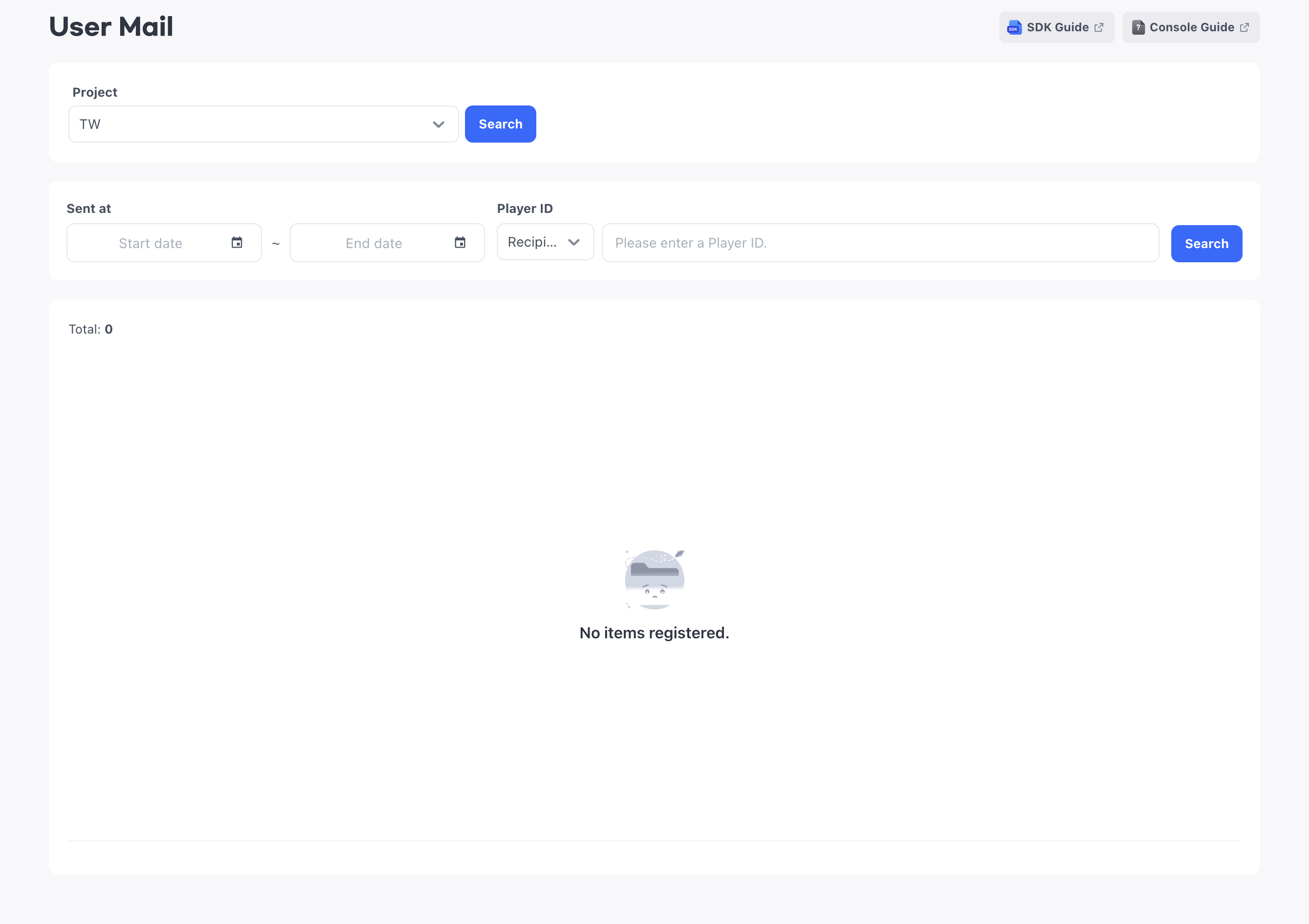
Because 'User Mail' is mail exchanged between users, it only supports lookups. Unlike admin mail, you cannot delete or recall it in the console.
Mail lookup period
Once user mail expires, you can no longer look it up in the console either. Unlike admin mail, there is no separate lookup period after expiration, so look up any mail you need to check before it expires.
You set the expiration period of user mail, up to 30 days, according to your operating policy when you configure your app's mailbox. Expired mail is automatically deleted from the user's mailbox, and any unclaimed items disappear with it.
Look up the sending history
Select the project to look up, choose Recipient or Sender as the search basis, and enter the user's Player ID. For an inquiry about mail that was not received, search by Recipient; to check mail a user sent, search by Sender. If you specify a sending period, only mail sent during that period is shown.
How to set up:
- Select the project to look up.
- Choose Recipient or Sender as the search basis.
- Enter the Player ID of the target user.
- To narrow the period, specify the Sent at period.
- Select Search.
Check the query results
The list shows the Mail ID that identifies the mail, along with the sender, the recipient, the codes and quantities of attached items, and whether the mail was recalled. Each row shows the result for one recipient, so if the same mail is sent to multiple users, the same Mail ID appears once for each recipient.
The following date fields distinguish when the mail was delivered from when the user opened it or claimed the items.
- Sent at: The date and time the sender sent the mail
- Received at: The date and time the mail was delivered to the recipient
- Mail opened at: The date and time the recipient opened the mail. If it is empty, the mail has not been opened yet
- Item received at: The date and time the recipient claimed the attached items
Opening the mail and claiming the items are separate actions. So if Mail opened at has a value but Item received at is empty, the user opened the mail but has not claimed the items yet.