Community
Community is a service for building and managing an official channel to communicate with game users. It provides an integrated operation environment based on global user data through multilingual support and game account integration.
Main Screens
Here are the main screens exposed to users in the community.
Main Screen
Freely configure the main screen of the community to fit the atmosphere and content of the game using various templates, such as sliding, image, video, and card types. On the right, shortcuts to major services like brand sites, coupon exchange centers, and PC play are provided. Utilize the community as a hub for game services to naturally guide users to other services. 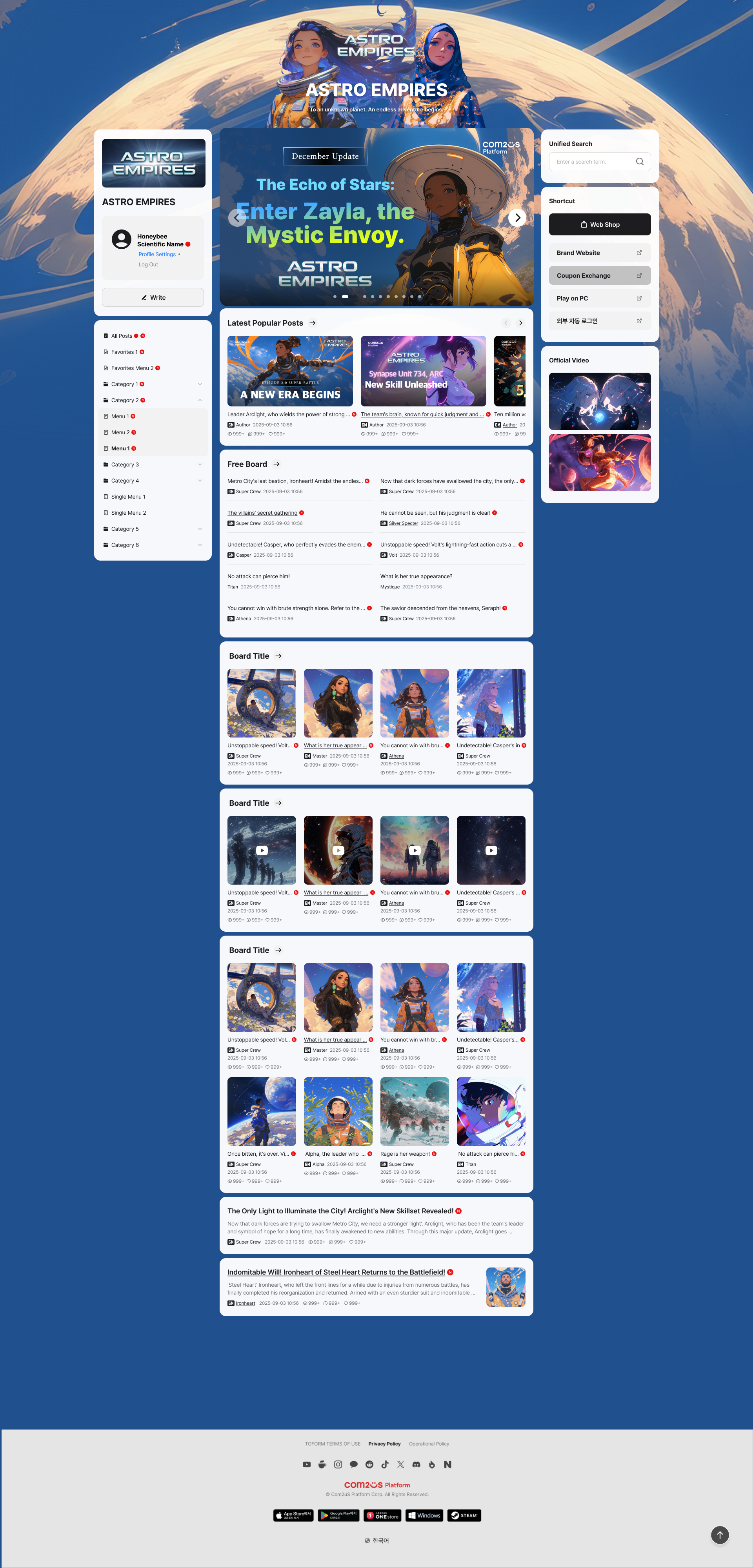
Bulletin Board
Configure various types of bulletin boards, such as general, image, video, one-line, and link. It supports pinning posts to the top to prioritize exposing major announcements or events, and flexibly manages operations according to policies by individually setting view/write permissions. 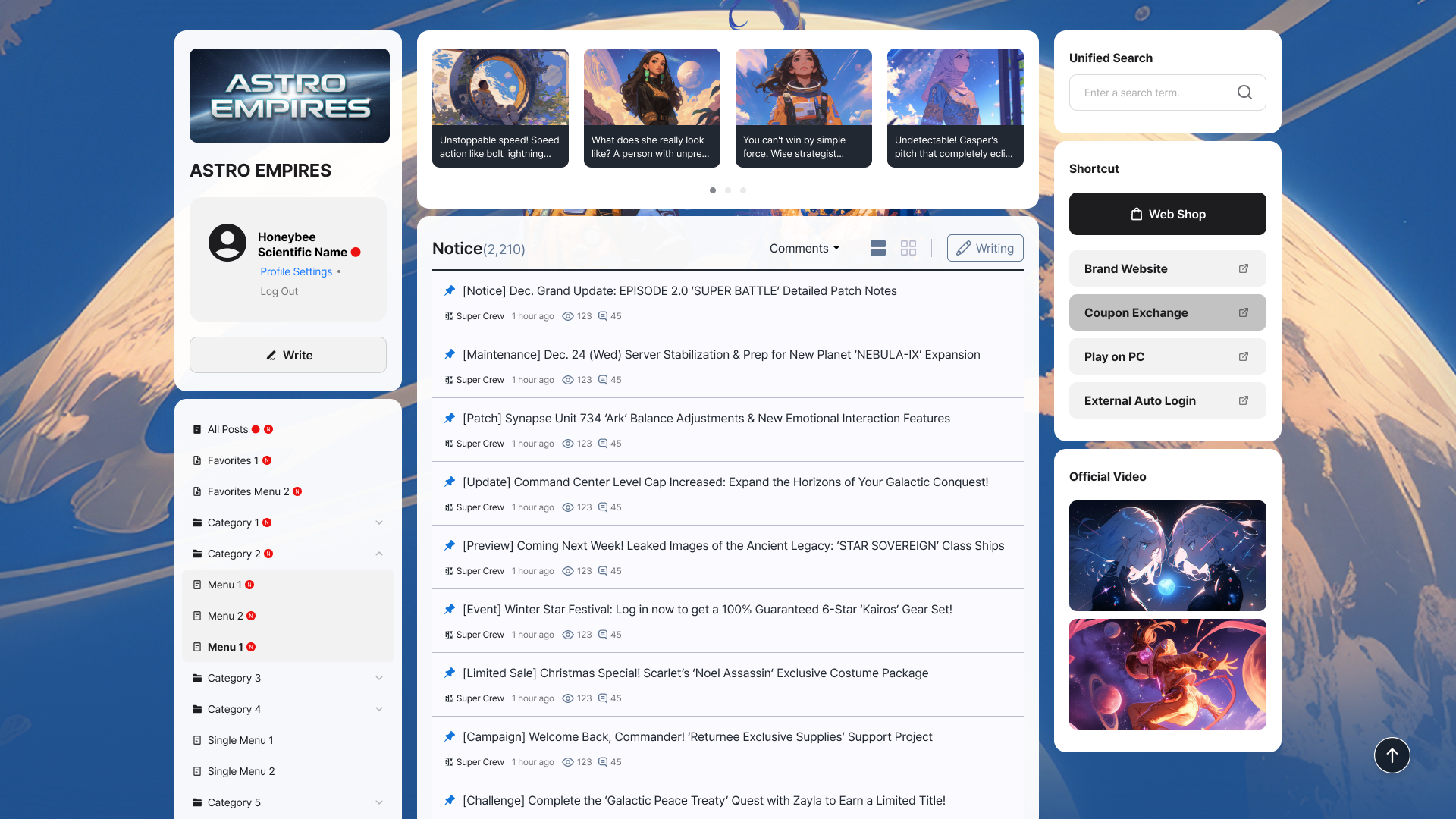
Post
Interaction occurs through recommendations and comment features along with the body of the post, and you can spread it to external social media through the sharing feature. 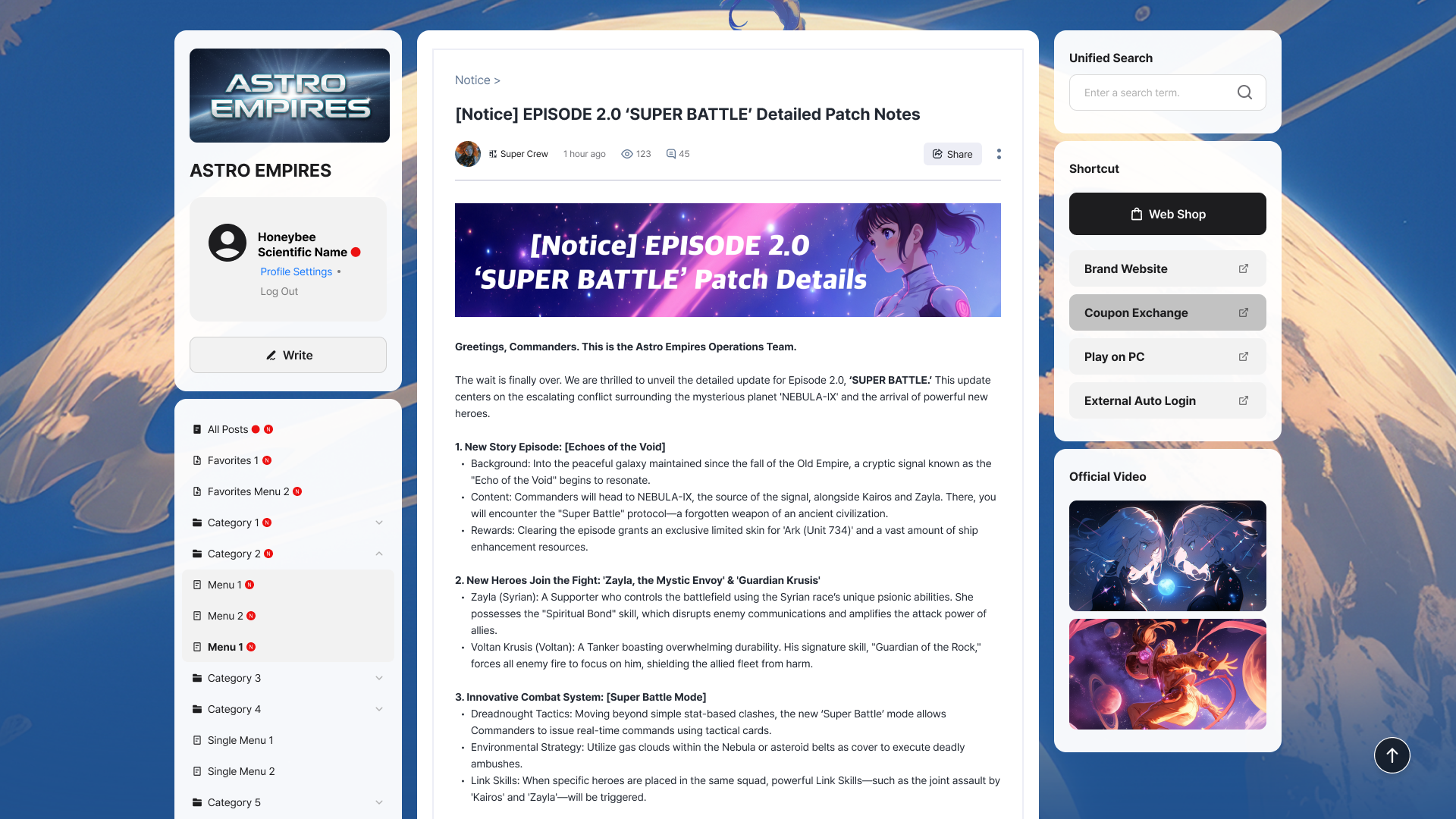
Comment
A feature to leave an opinion on a post and communicate directly with the author or operator. Configure whether to use comments for each bulletin board to separate bulletin boards for announcements and participation. For posts with a set period, such as events or surveys, configure a comment deadline so that participation is only accepted during the designated period. 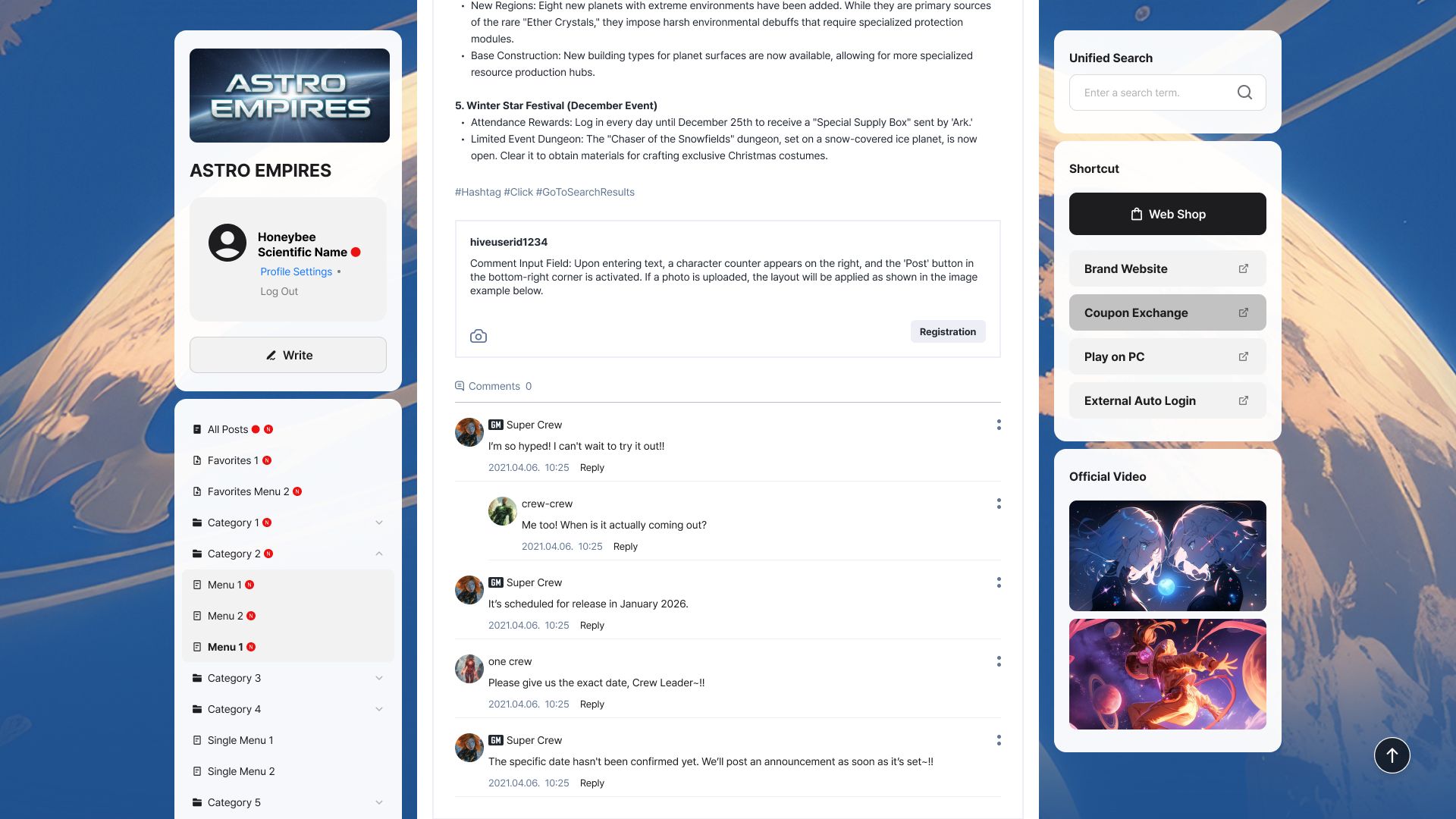
Next Steps
Check the preparatory work needed before opening a community. Learn more