Web Shop
The web shop is a channel where users can purchase game items or currency from a PC or mobile web browser without logging into the game. It improves the revenue structure with lower commissions compared to app markets and supports the direct operation of various promotions such as coupons, discounts, and limited sales.
Main Screens
Here are the main screens exposed to users in the web shop.
Main Screen
As the first screen of the web shop, this is a page where you can check available products by category at a glance. Each product displays its image, name, price, discount rate, sales period, etc. Configure product titles and categories differently according to the language and sales region to operate according to market-specific sales strategies. 
Product Details
This is the screen to check the configuration and price of the selected product and proceed with the purchase. Check detailed information such as product images, sales prices, conditions of use, as well as purchase precautions like refund policies and storage periods. 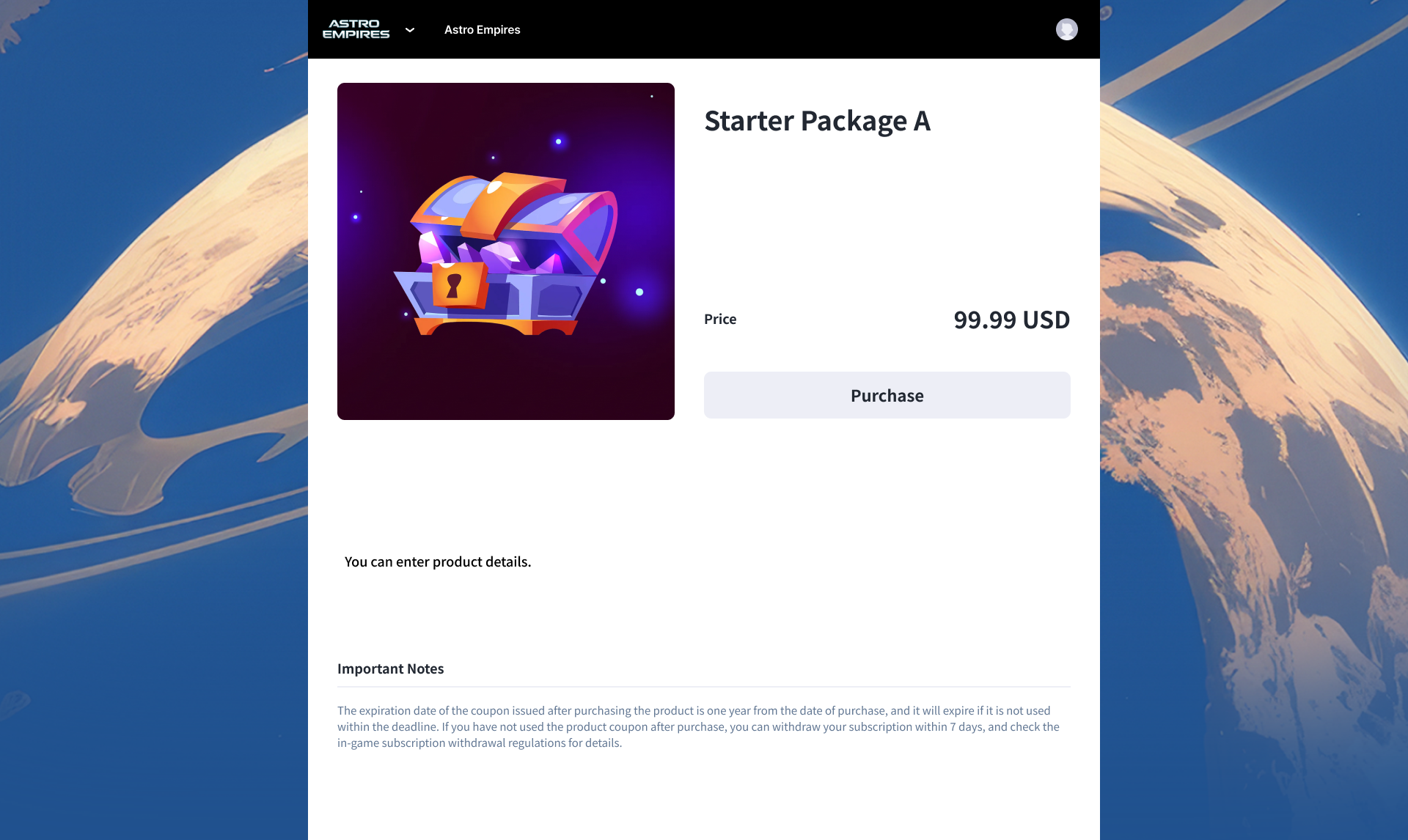
Purchase
Clicking the purchase button displays a pop-up to confirm the product image, name, quantity, and payment amount. If you have a coupon, it can be applied on this screen. Directly select the game server, channel, and character to specify the recipient of the product. 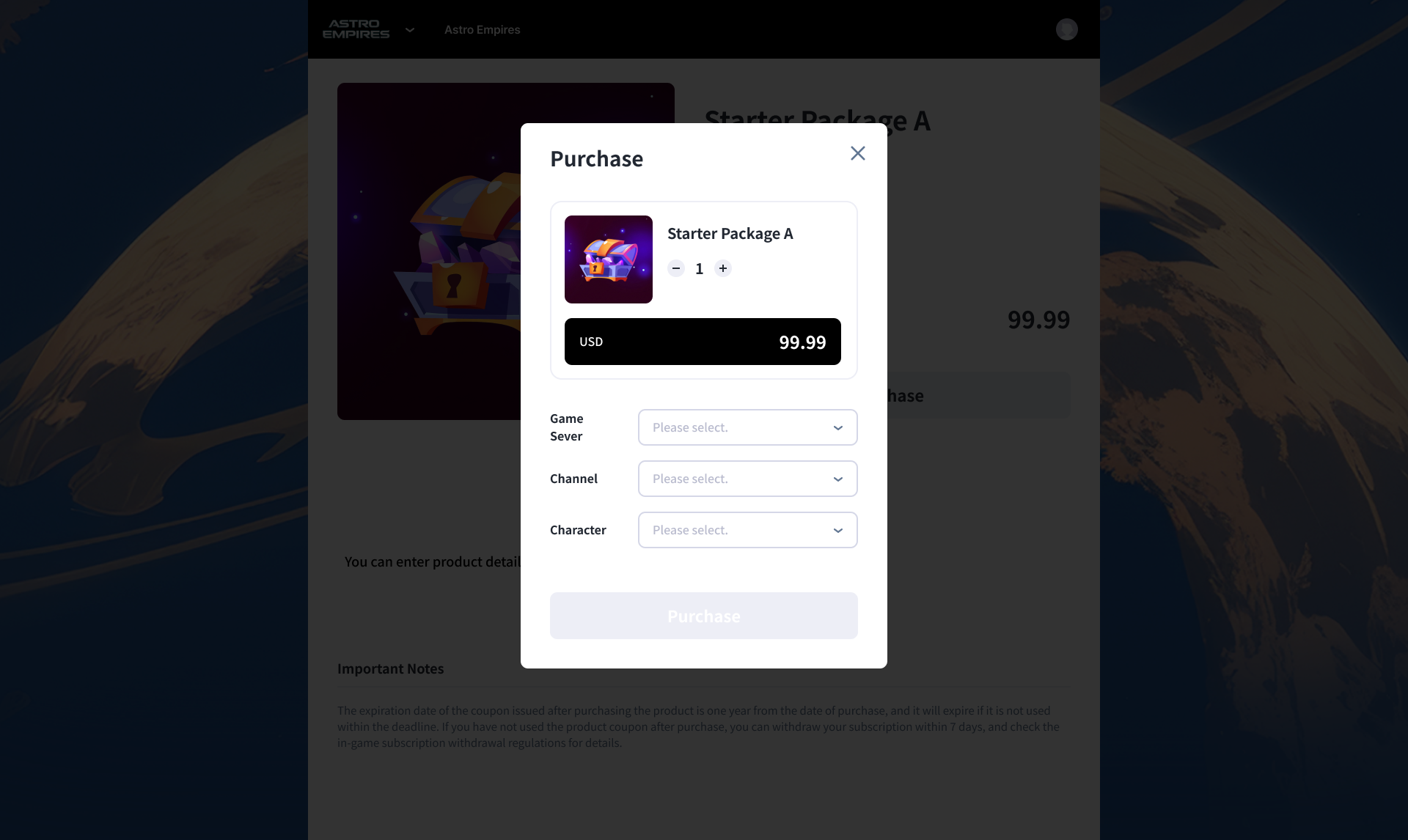
Next Steps
Check the preparatory work needed before opening a web shop. Learn more