Purchase Limit
Features that limit purchase conditions in the web shop consist of purchase quantity limits and purchase level limits.
➡️ Console Path: Community & Web Shop > Web Shop > Web Shop Settings + Product Management
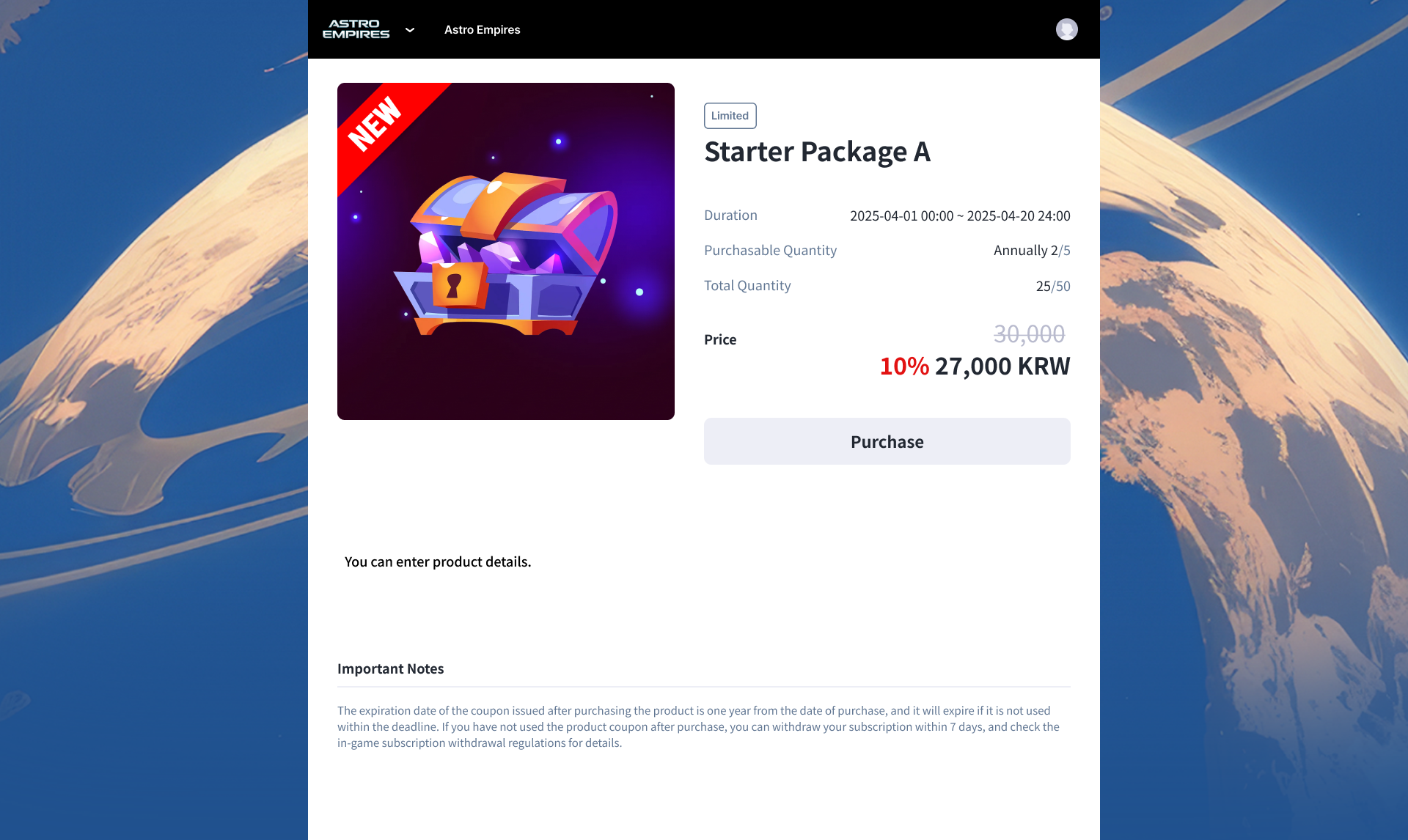
Purchase Limit Features and Application Criteria
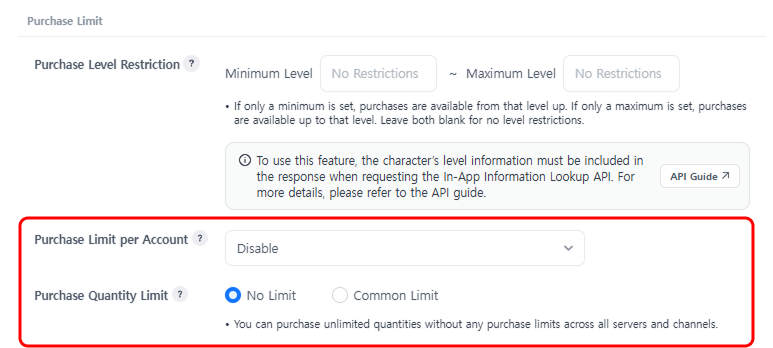
- Purchase Quantity Limit
- Application Method: Limits the number of purchases per account and the total purchase quantity of the product.
- Setting Range: The purchase count limit per account and the total purchase quantity limit of the product are set independently. If both conditions are set simultaneously, purchases are restricted if either limit is reached.
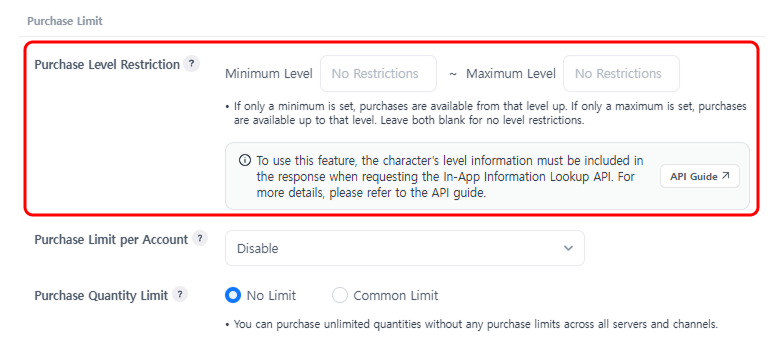
- Purchase Level Limit
- Application Method: Specifies the level range of characters allowed to purchase the product. Characters outside the set level range cannot purchase the product.
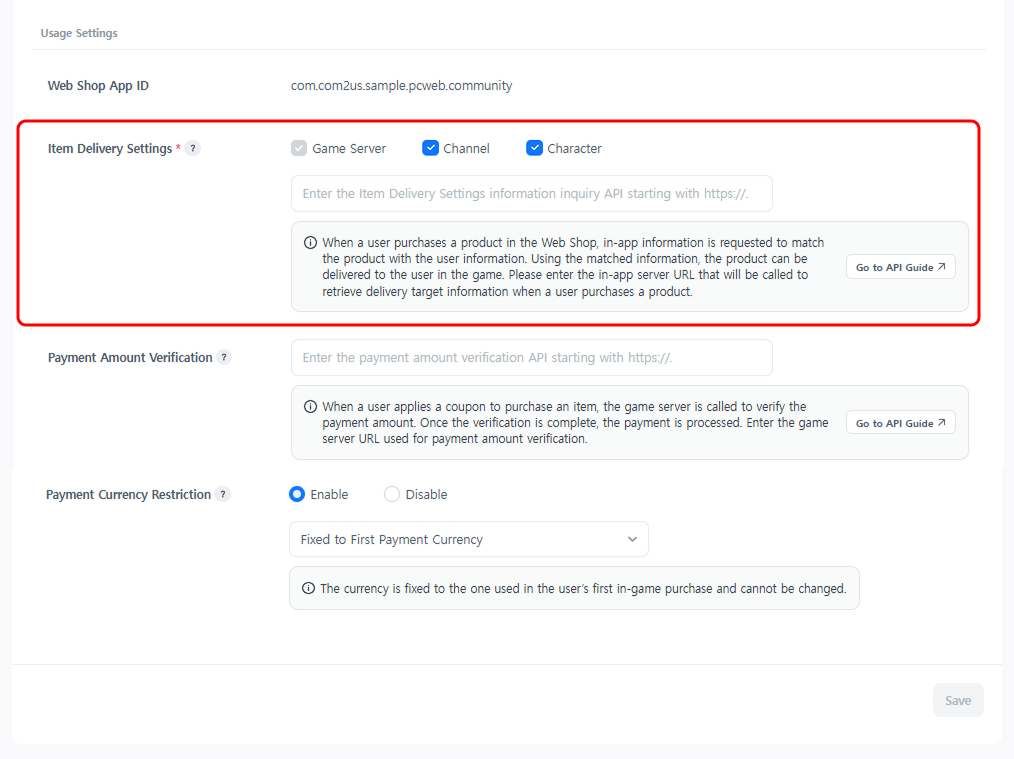
- Application Condition: Select a character in Web Shop Settings > In-app Information, and include character level information when requesting the In-app Information Inquiry API.
Purchase Quantity Limit Verification Settings
To prevent fraudulent purchases, implement a new Web Shop Purchase Limit Verification API on the app server. After integration is complete, proceed with the settings in the following order.
How to configure:
- Implement the API on the app server referring to the Web Shop Purchase Limit Verification API Guide.
- Configure purchase limits in the Web Shop > Product Management > Product Management pop-up.
- Check the results of the purchase quantity limit settings in the web shop.
Purchase Level Limit Verification Settings
Integrate by including character level information in the existing Recipient Information Inquiry API request without implementing a separate API. After integration is complete, proceed with the settings in the following order.
How to configure:
- Implement it to include character level information referring to the Recipient Information Inquiry API Guide.
- Select a character in Web Shop > Web Shop Settings > In-app Information.
- Configure level limits in the Web Shop > Product Management > Product Management pop-up.
- Check the results of the purchase level limit settings in the web shop.