Email list
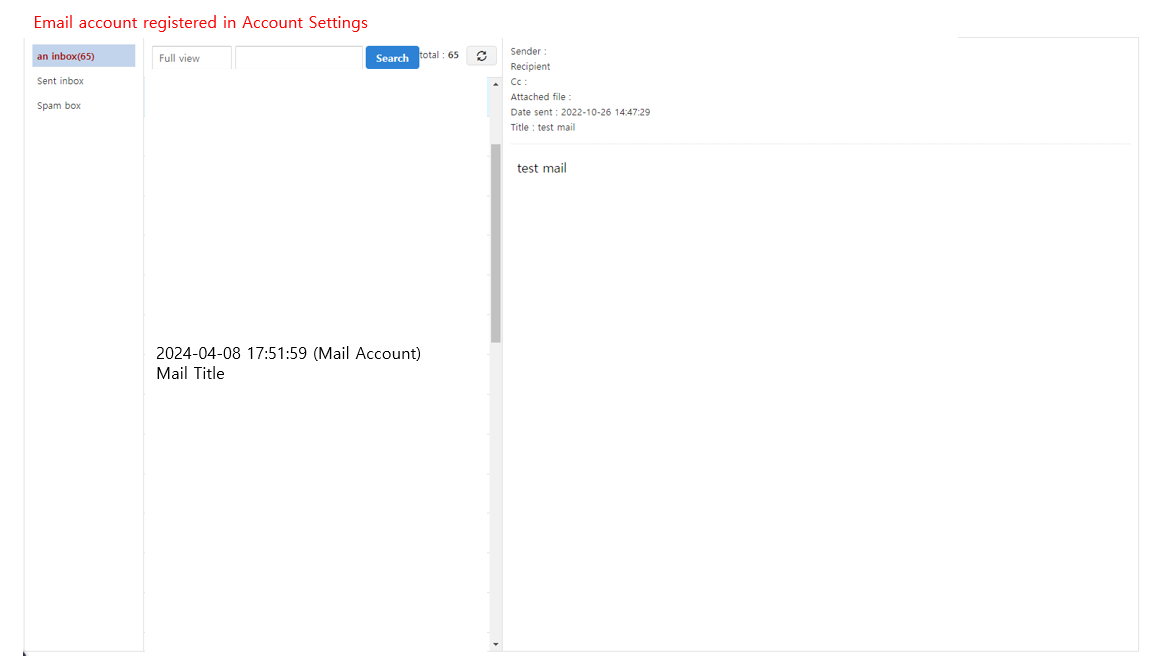
This page displays the list of received, sent, and spam emails for the mail account registered in account settings.
➡️ Console path: Customer Support > Mail > Email List
Check Before Registering a Mail Account
- POP3: When registering a mail account, the original emails are deleted from the original mail program.
- IMAP: When registering a mail account, the original emails are copied to the original mail program.
Inbox
View the list of emails received through the registered mail account. Each entry displays the received date and time, sender, and subject.
Use the dropdown (All / Read / Unread) at the top to filter by read status, or enter a search term to search for emails.
Consultation reply box
View the list of emails sent via the Send Support Email feature.
Sent Mail Storage Criteria
Emails sent through inquiry replies are not stored in the Sent folder.
Spam box
View the list of emails classified as spam. For details on spam registration criteria, refer to Spam Email Settings.