Banner
Expose news you want to deliver quickly, such as new updates and events, as banners. Two types of banners are provided: a main pop-up banner and a main banner. If a main banner is not registered, only post content will be exposed on the main screen without a banner area.
➡️ Console Path: Community & Web Shop > Community > Banner
- Pop-up Banner: A banner exposed in the form of a pop-up when entering the community.
- Main Banner: A banner always exposed at the very top of the community main screen.
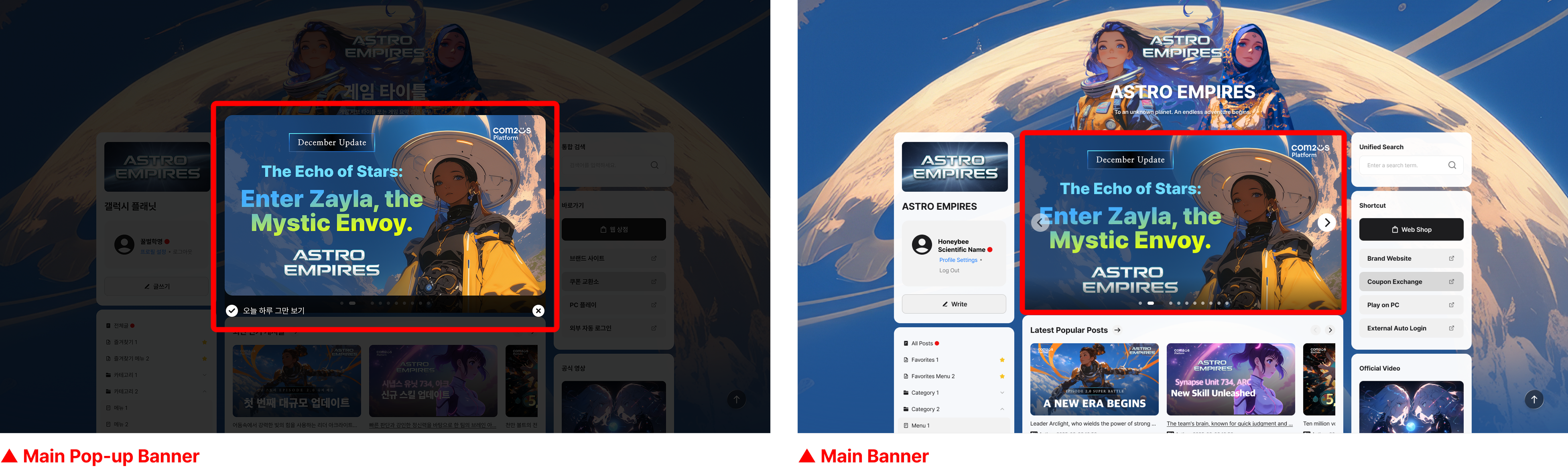
Settings when registering a banner
Set basic information such as the exposure method and period when registering a banner. 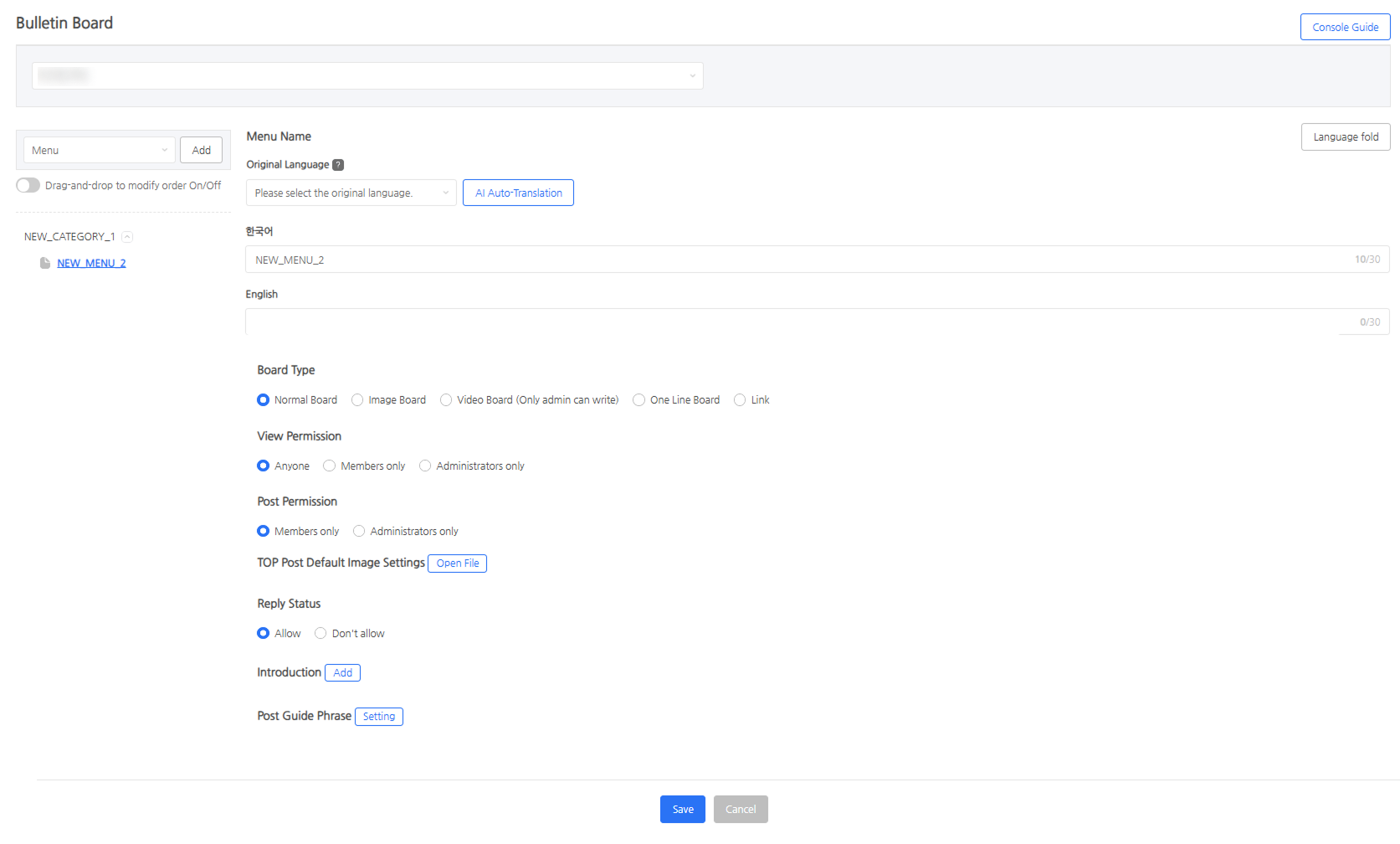 - Banner Name: A name used for management purposes and is not exposed to users. - Image, Link, Exposure Period: Configured in common for each banner. - Create the image based on 1600 x 900px, which is twice the applied size (800 x 450px). - Default Language: When there is no banner image registered for a specific language, the image of the default language is exposed instead. - Activation: Set whether to expose the banner.
Next Steps
Pre-register the nickname and profile image to be exposed when writing admin posts. Learn more